Technology news and discussion on TalkFuse.
Logitech Yeti 2 Review: An All-In-One Studio Setup
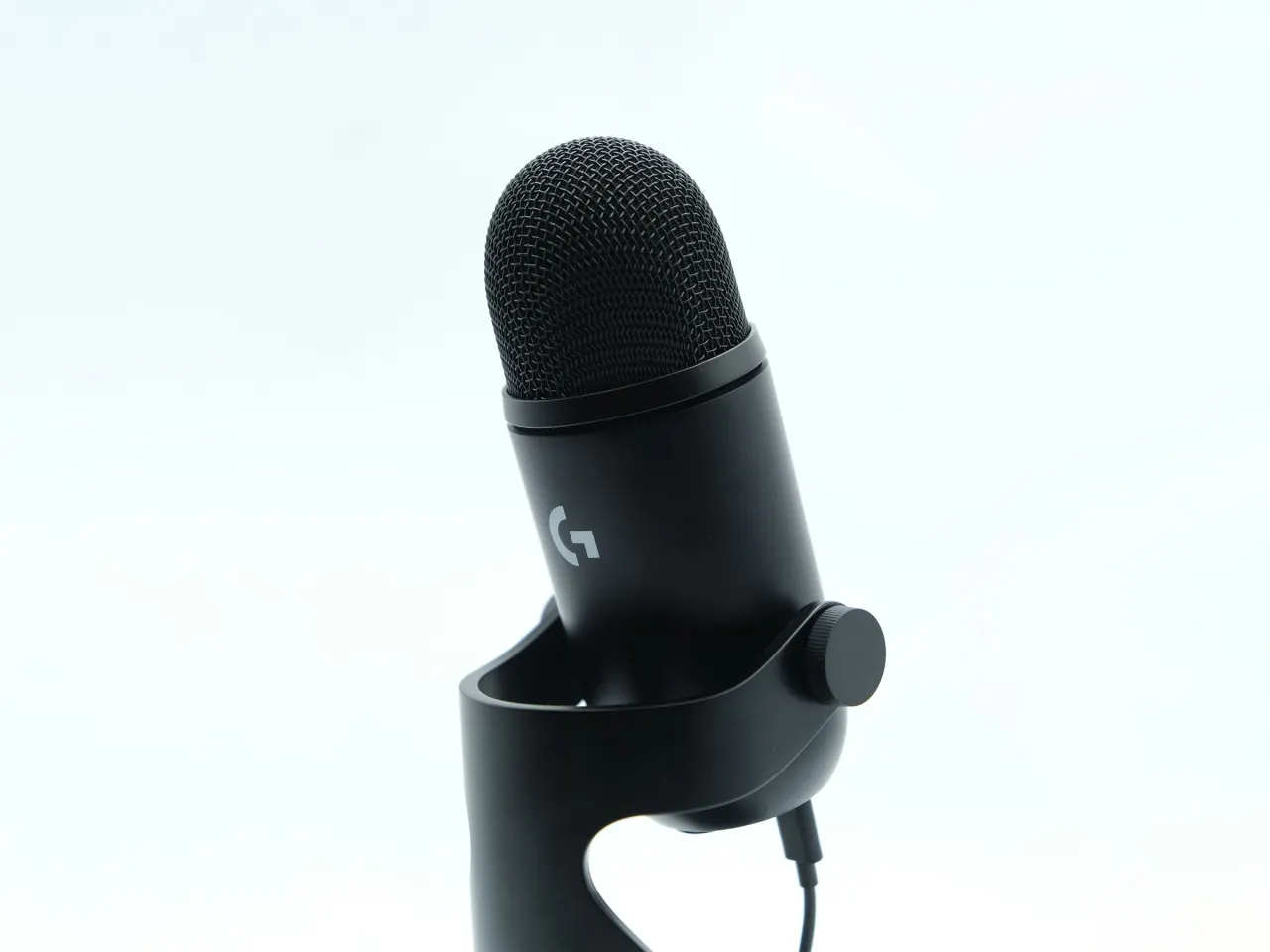
Logitech has launched the Yeti 2, the long-awaited successor to Blue’s widely used Yeti microphone, first released in 2009. It keeps a similar appearance but adds controls and audio processing that let users monitor and adjust recordings directly on the microphone, making it a more complete setup for home recording, streaming and podcasting.
A built-in screen and dial control gain, sound profiles and processing, while the display can show input levels, sound direction or customisable pixel art. The companion G Hub app offers further options, including four levels of noise reduction and five EQ presets. The included stand helps limit desk noise, and automatic settings worked well in the reviewer’s experience; however, the headphone jack and some controls are awkwardly placed, particularly when using a boom arm.
In short
- The Yeti 2 adds on-mic controls and audio monitoring.
- Automatic settings handled recording well in the review.
- Its design has some awkward details, especially on a boom arm.
Explained simply
Blue, now part of Logitech, made the original Yeti microphone, which became a familiar choice for people recording at home. Microphones capture voices and other sounds, and are used for podcasts, live streams and music; sound quality can also be affected by room noise and how the microphone is set up.
The Yeti 2 is designed to combine a microphone with controls for adjusting and monitoring sound. Its built-in screen and dial, along with Logitech’s G Hub app, let users change settings such as volume sensitivity, sound shaping and noise reduction. These features matter to people who want more control over recordings without relying on separate audio equipment.