Entertainment news and discussion on TalkFuse.
How to switch camera views in GTA 6
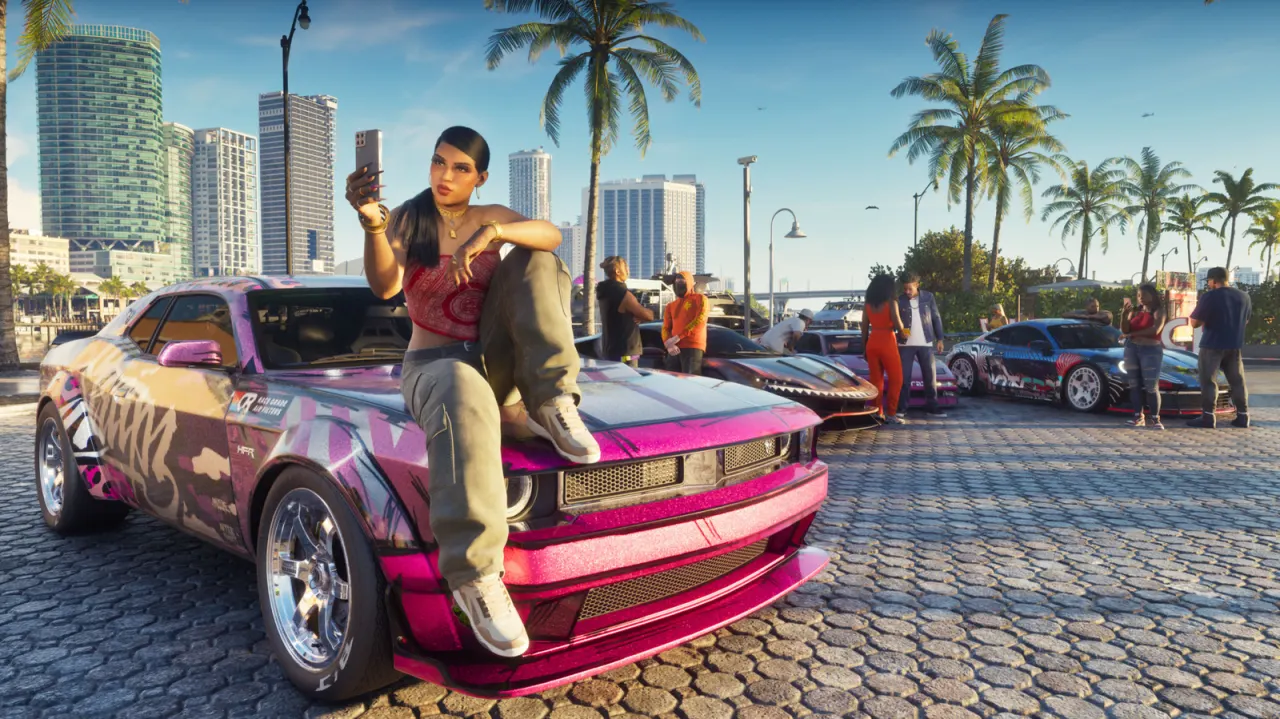
GTA 6 lets players adjust and switch camera views, giving them some control over how they see the action. The options include different camera heights and follow speeds, while first-person viewing is available only in a few limited situations.
On foot, players can change camera height and follow speeds in the settings; similar controls are available for land vehicles, boats and aircraft, with driver and passenger settings for vehicles. In land or water vehicles, hold down on the D-pad to choose among three camera heights or select cinematic mode. On foot, hold the left trigger and click the right thumbstick for a close first-person view; first-person views are also available when using a phone.
In short
- Adjust camera height and follow speeds in settings.
- Use the D-pad to switch vehicle views.
- First-person viewing is limited to specific situations.
Explained simply
Grand Theft Auto is a series of open-world action games made by Rockstar Games. Players explore a large fictional setting on foot and in vehicles, taking part in missions or choosing what to do themselves.
Camera settings affect how closely the view follows a character or vehicle and how high it sits. These choices can change how players see movement and the surrounding game world, while first-person views show the action from a character’s perspective.