Technology news and discussion on TalkFuse.
How to easily factory reset your Fitbit
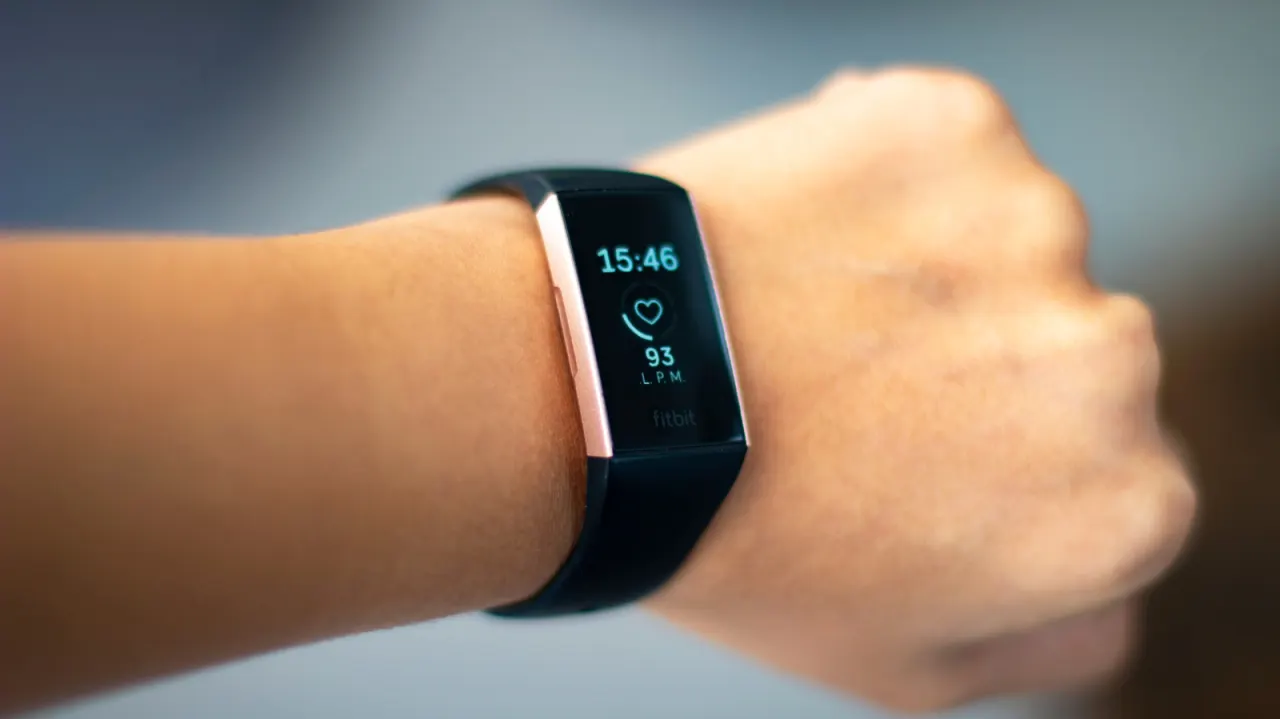
A factory reset can resolve serious Fitbit problems or prepare a device for a new owner, but it erases data and settings stored on the wearable. It is different from a restart, which refreshes the device without returning it to its original state.
On Fitbits with screens, the reset option is usually under Settings and About or Device Info; the newest Fitbit Edge has a Clear User Data option in Settings. Older trackers may require a charger and button or paperclip, while the screenless Fitbit Air restarts when its back button is held for 10 seconds and clears account data when paired with a new user. Previously synced information remains in the Google Health app, but unsynced activities, alarms, goals and notification settings are lost.
In short
- Factory reset only when necessary; it erases locally stored data.
- Synced data remains available in the Google Health app.
- Reset steps vary by Fitbit model.