Entertainment news and discussion on TalkFuse.
Switch Online cancellation stops future renewals, not current access
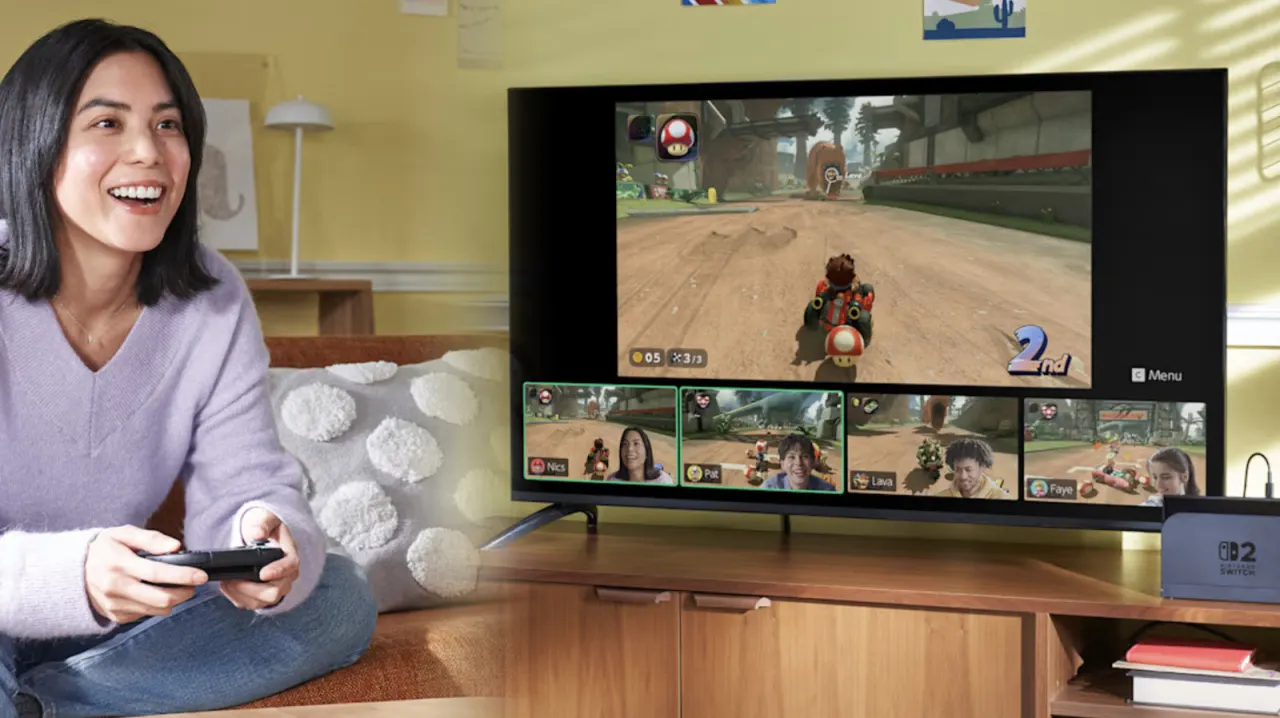
Nintendo Switch Online members can cancel by turning off auto-renewal, preventing a new charge when their current membership ends. This matters for people cutting subscription costs or no longer using the service, but cancelling does not end access immediately.
Turn off auto-renewal at least 48 hours before the membership expires; paid-for access continues until then, but unused time is not refunded. The setting can be changed through the Nintendo eShop on a Switch or Switch 2, or through the Nintendo account portal on a phone or computer. For family plans, the change applies to every member, and rejoining later requires buying a new pass.
In short
- Cancel by switching off auto-renewal.
- Do it at least 48 hours before expiry.
- Family plan members are all affected.
Read the full article at the source →
Originally published by Engadget as “How to cancel your Nintendo Switch Online subscription”.