Useful iPad widgets bring delivery tracking, smart controls and forecasts to the Home Screen
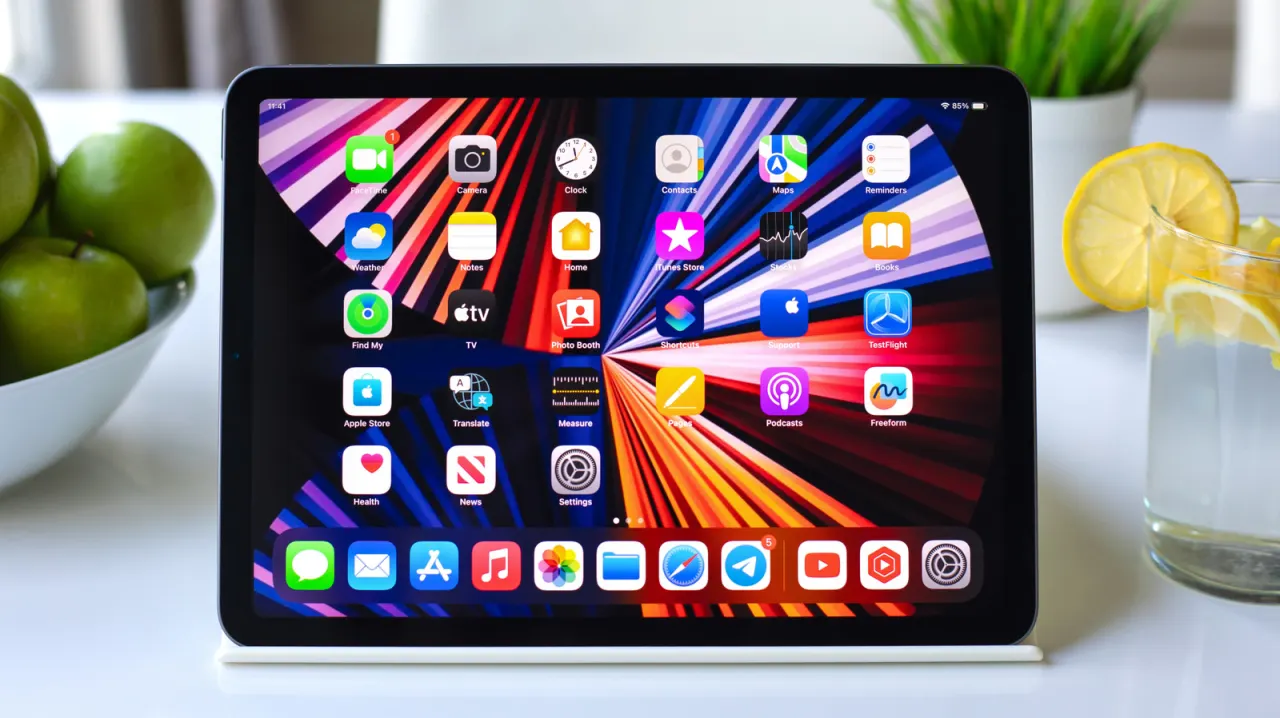
The article highlights less obvious iPad widgets that can make everyday tasks quicker and give the Home Screen more useful information. It says iPadOS 27 has added extra-large widgets to Today View, making better use of the iPad’s larger display.
Examples include Parcel for tracking deliveries, Apple’s Home widget for controlling compatible smart accessories, and (Not Boring) Weather, which pairs playful visuals with forecasts and severe weather alerts. Parcel supports up to 300 delivery services, but its free tier tracks three deliveries at a time; premium costs $6.99 a year. The weather app is free, while its real-time widget requires a $14.99 annual membership.
In short
- iPad widgets can do more than show weather and calendar events.
- Parcel tracks deliveries from up to 300 services.
- Home and weather widgets add quick controls and detailed forecasts.
Explained simply
iPad widgets are small panels on the Home Screen or Today View that show information or provide quick controls without opening an app. Today View is a separate screen of widgets, and larger widget sizes can make more use of an iPad’s display.
Some widgets connect to services or devices: delivery trackers show parcel progress, while Apple’s Home widget controls compatible smart accessories. Weather widgets can display forecasts and alerts. Their usefulness depends on which services and devices a person uses, and some features require a paid subscription.
Read the full article at the source →
Originally published by Engadget as “10 iPad widgets you probably didn’t realize existed”.