Android users can access the flashlight from the lock screen via shortcuts
Android users can turn on their phone’s flashlight without unlocking it, using shortcuts available on Google Pixel and Samsung Galaxy devices. The options can make the light quicker to reach when needed, including through the lock screen, quick settings or a voice assistant.
On Pixel phones, swipe down to open Quick Settings and tap the flashlight; if it is missing, edit the panel to add it. Users can also enable the Quick Tap gesture to toggle the light by double-tapping the phone’s back, or add a flashlight shortcut to the lock screen. On Samsung Galaxy phones, swipe down to open the Quick Panel, where the flashlight can be added or rearranged, or replace a lock-screen corner shortcut with it. Both phones can also respond to “Hey, Google” followed by a request to turn on the flashlight.
In short
- Pixel and Galaxy flashlights can be used without unlocking.
- Quick settings and lock-screen shortcuts offer fast access.
- Pixel users can also enable a double-tap gesture.
Explained simply
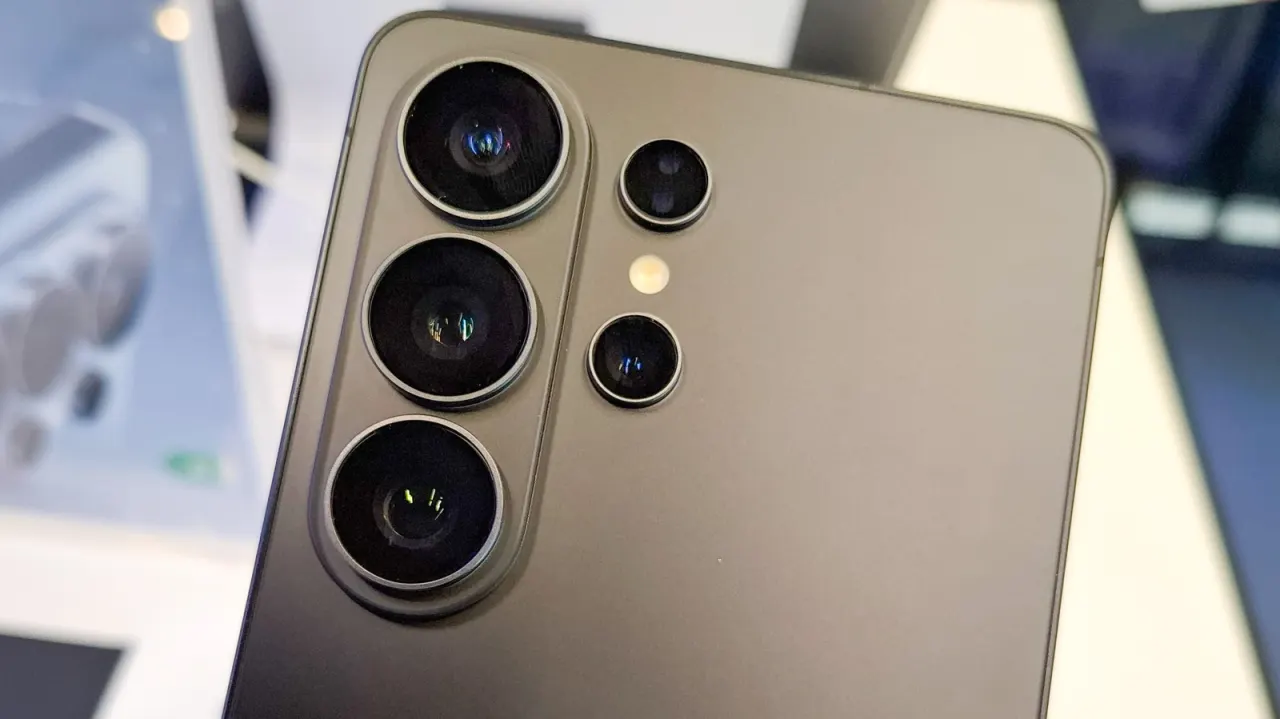
A smartphone flashlight uses the small light beside the rear camera, usually intended to help the camera take pictures in low light. It can also serve as a torch, but finding the control may take time if the phone is locked or the light is buried among other settings.
Android is the operating system used by phones from several manufacturers. Google makes Pixel phones, while Samsung makes Galaxy phones; each offers its own menus and ways to customise shortcuts. These options matter because a quicker route to the light can be useful when someone needs it in the dark, while the exact steps depend on the phone and its settings.
Read the full article at the source →
Originally published by Engadget as “How to turn on the flashlight on your Android phone without unlocking it”.