Five practical ways to give an old laptop a new purpose
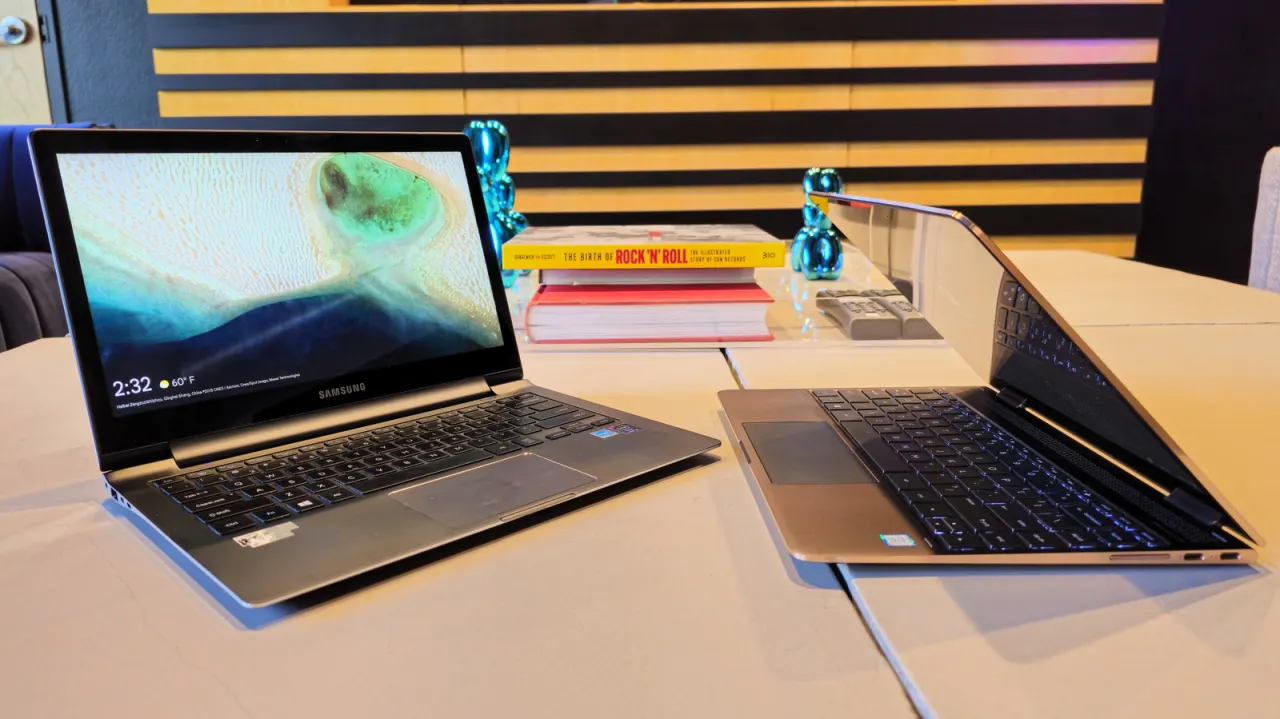
The article suggests finding a second use for an old laptop instead of discarding it, particularly when it still works but struggles with modern everyday tasks. It describes five possible ways to extend a laptop’s usefulness, including installing a lightweight operating system and using it to stream a personal media collection around the home.
The author says a decade-old laptop with a 2016 Intel Core i7, 16GB of RAM and a 4K display ran Fedora Linux after Windows 11 proved incompatible and Windows 10 ran poorly; installation took under 15 minutes. Another option is a media server using Plex, Jellyfin or Emby: laptops can be compact, energy-efficient and supported by their built-in battery, though airflow and battery charge limits matter for continuous use.
In short
- An old laptop may still be useful with a different operating system.
- Fedora Linux revived the author’s decade-old laptop in under 15 minutes.
- A laptop can host a home media server while using less energy than a desktop.
Explained simply
Laptops contain a processor, memory, storage and a screen, and their performance depends on how well these parts meet the demands of the software they run. As operating systems and apps change, an older computer may struggle with newer versions even when its hardware still works.
A lightweight operating system is designed to use fewer resources than some mainstream options, which can make an older laptop more usable. Another possibility is to run a media server: software such as Plex, Jellyfin or Emby can organise films and music so they can be streamed to devices around the home.
Repurposing can extend the useful life of a device and delay the need to replace it. A laptop used continuously as a server still needs enough airflow to avoid overheating, and its battery may need settings that limit how long it stays fully charged.
Read the full article at the source →
Originally published by Engadget as “5 nifty ways you can reuse your old laptop”.