Apple CarPlay isn’t working in your car? Here’s what to check first
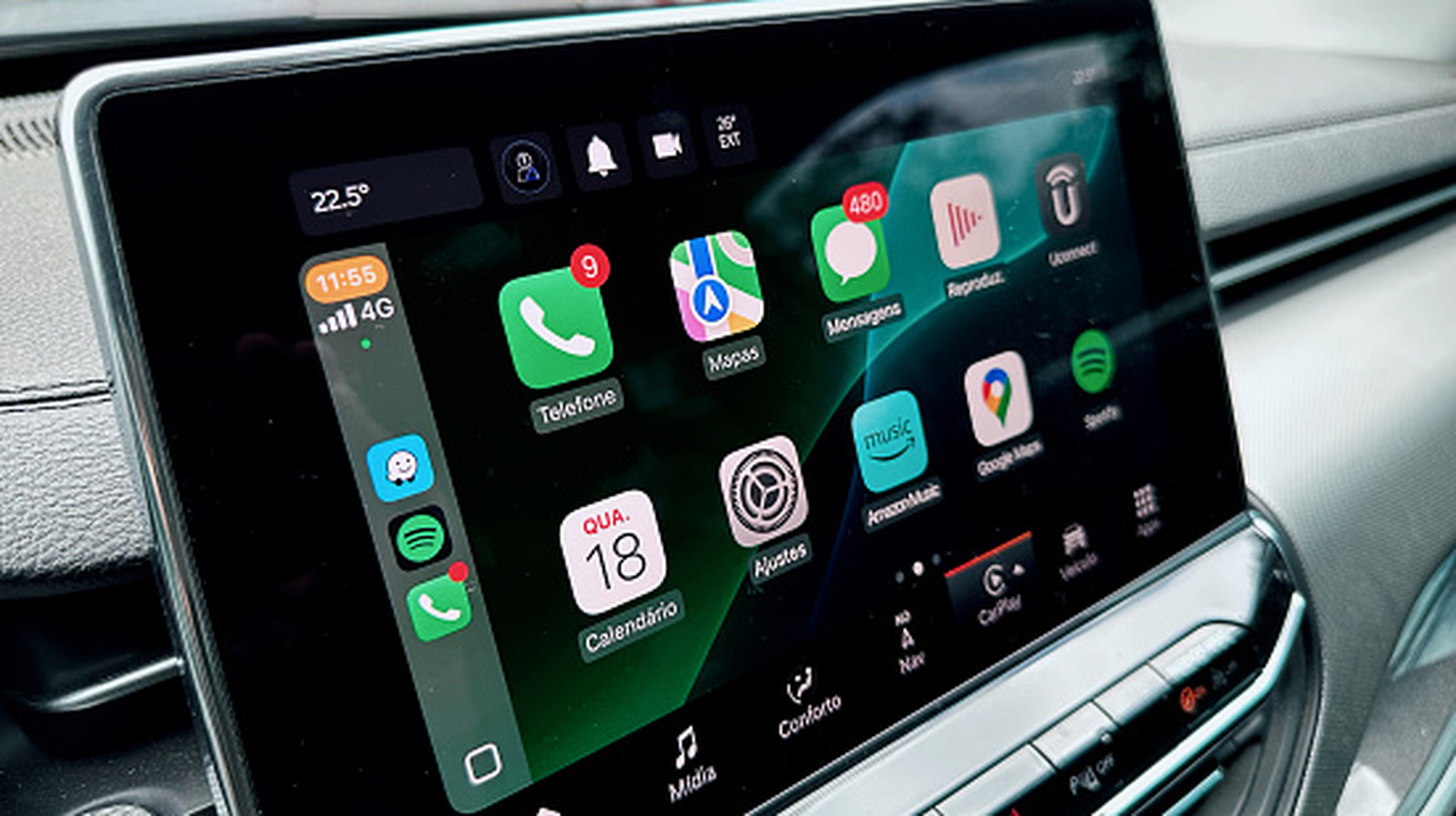
Apple CarPlay failures are usually caused by simple connection, settings or software issues rather than a costly fault. The guide recommends checking these basics first, as restoring CarPlay improves access to navigation, music and hands-free communication while avoiding reliance on a phone screen while driving.
Users should restart both the iPhone and car, open CarPlay manually from the infotainment display if needed, confirm vehicle compatibility and ensure Siri is enabled. They should also update iOS, allow CarPlay while the phone is locked if appropriate, and inspect the wired cable or wireless connection; enabling access while locked is convenient but can expose calls, messages and other data to someone with the phone and car.
- Restart the iPhone and car before deeper troubleshooting.
- Check Siri, iOS updates and CarPlay compatibility.
- Review lock-screen permissions and connection hardware.