Are expensive HDMI cables worth it?
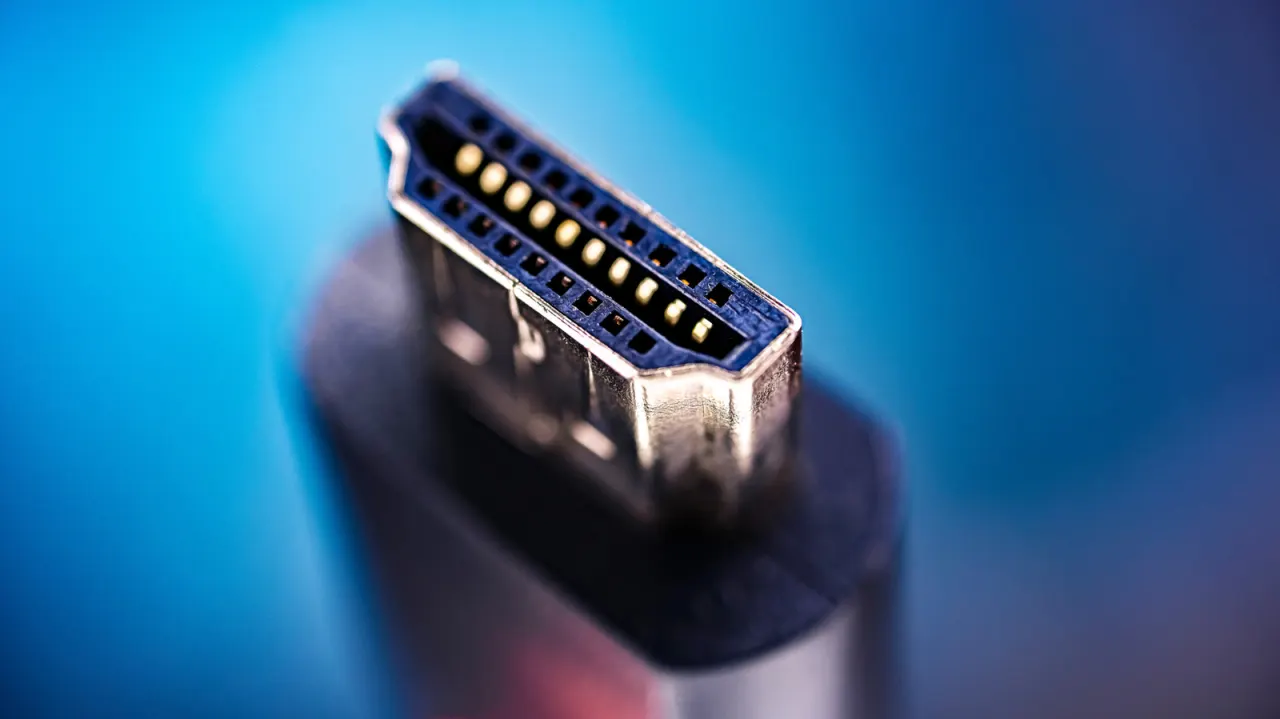
Engadget addresses a common consumer question: whether pricier HDMI cables actually improve picture or sound quality. The short answer is no—since HDMI carries a digital signal rather than processing it, an expensive cable offers no visual or audio benefit over a cheap one, provided both can reliably handle the required signal. Higher cost is only justified when a setup genuinely needs greater bandwidth or a longer cable run, such as for high-refresh-rate gaming or sending a signal across a room to a projector.
The article recommends shopping by official HDMI cable category rather than price, brand or version number, since the HDMI Licensing Administrator bans labelling cables by version alone. Premium High Speed cables handle up to 18Gbps (sufficient for most 4K streaming), Ultra High Speed cables support up to 48Gbps (needed for 4K/120Hz gaming, as recommended by Sony for the PS5), and the newest Ultra96 cables reach up to 96Gbps for demanding formats like uncompressed 4K/240Hz or 8K/60Hz. Buyers are advised to check for official certification labels with verifiable QR codes, and to note that longer cables—especially at Ultra High Speed and beyond—may legitimately cost more because they require active electronics or optical fibre to maintain signal integrity over distance.
- Expensive HDMI cables don't improve picture or sound quality
- Only pay more for higher bandwidth or longer cable runs
- Choose by certified category (Premium/Ultra High Speed/Ultra96), not price
New here? Start with this
HDMI is the standard connection used to carry digital picture and sound between devices such as TVs, games consoles and streaming boxes. A cable either carries the required signal reliably or it does not, so a higher price alone does not improve the picture or sound.
The relevant factor is how much data the setup needs: for example, high refresh rates in gaming require more bandwidth than many streaming setups. HDMI cable categories indicate the bandwidth they can support, while long runs to devices such as projectors may need more specialised cables to keep the signal reliable.
The HDMI Licensing Administrator sets the cable categories and certification rules. Checking a cable’s certified category and QR label can help buyers match it to their equipment without relying on price or brand.