Can a MacBook run multiple external monitors? It depends
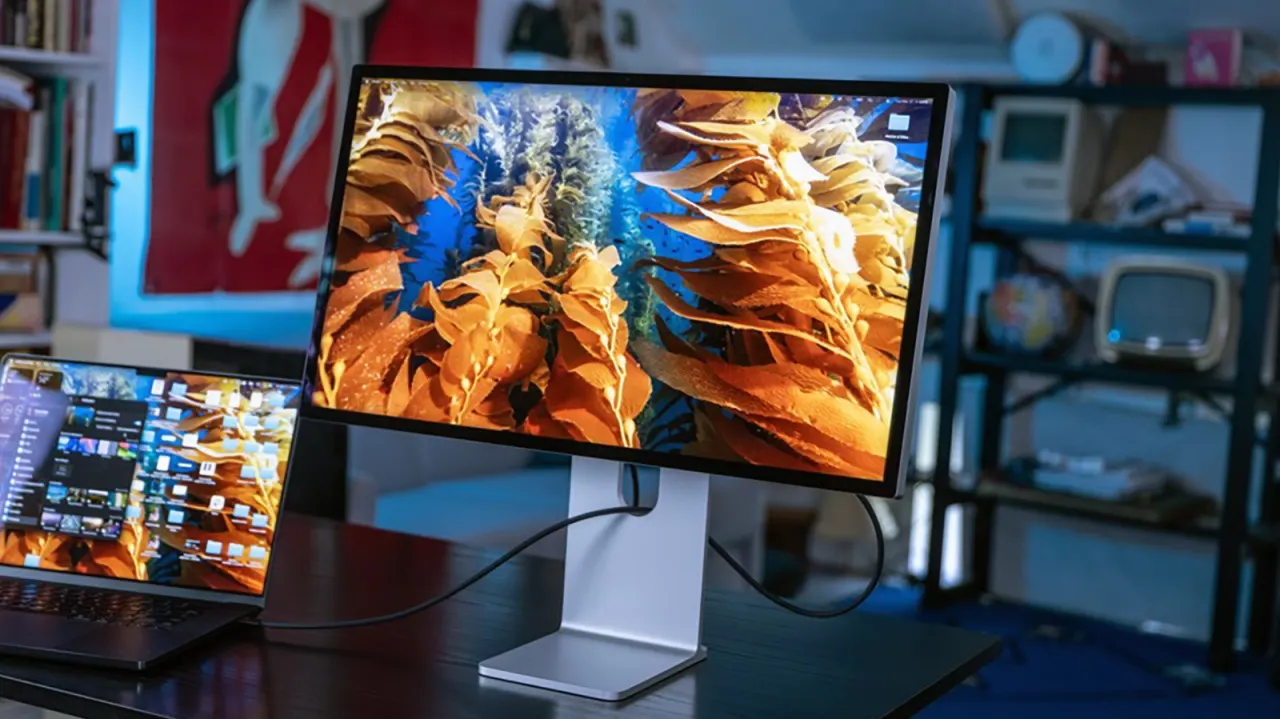
Whether a MacBook can drive multiple external monitors depends on which Apple silicon chip it has, not simply how many ports the laptop offers. Apple's current lineup ranges from the entry-level MacBook Neo, which supports just one external display, up to the M5 Max MacBook Pro, which can handle as many as four – a distinction that matters for anyone hoping to turn their laptop into a desktop-style workstation.
Support scales with the chip: the MacBook Neo manages one display at up to 4K/60Hz, the M5 MacBook Air and standard M5 MacBook Pro each support two, the M5 Pro MacBook Pro supports three, and the M5 Max MacBook Pro supports up to four, with combinations reaching two 8K displays or four 6K/4K displays at high refresh rates. These maximums hold regardless of clamshell mode, and actual performance can vary depending on cables, adapters, monitor specifications and the dock used. The Neo is notably limited since only one of its two USB-C ports carries video output and it lacks Thunderbolt support, while Thunderbolt docks can simplify multi-accessory setups on Pro and Air models without increasing the underlying display limit.
- External monitor support depends on a MacBook's chip, not just its ports
- MacBook Neo supports only one display; M5 Max Pro supports up to four
- Resolution, refresh rate, cables and docks all affect real-world results