Technology news and discussion on TalkFuse.
Canva adds controls to limit generative AI tools and search results
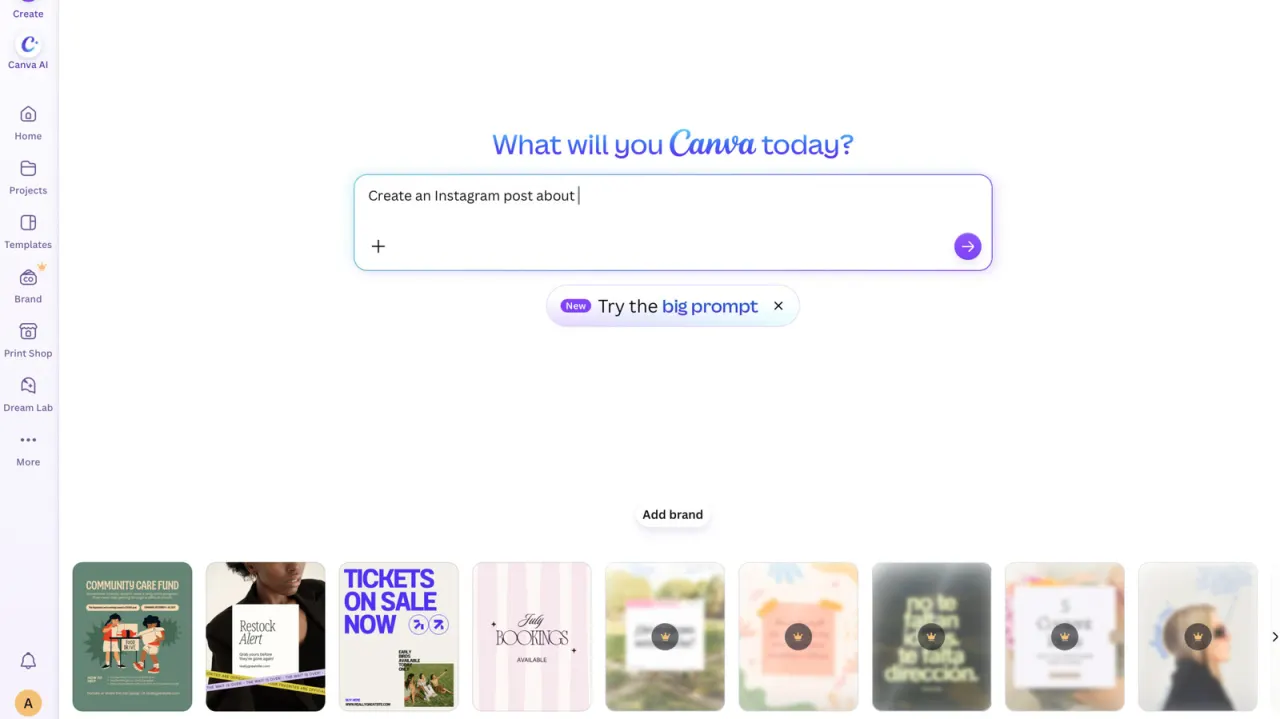
Canva is giving Free and Pro users new controls to switch off generative AI features and reduce AI-generated images in library search results. The settings let users tailor how much generative AI they encounter across the platform.
The controls are available in the profile settings: the feature switch is under “Permissions”, while the search preference is under “Your Account” and AI personalisation. Some AI-powered editing tools, including Background Remover and Magic Grab, remain available because they work with existing image content rather than generating new content. Canva says the search setting reduces the chance of AI-generated images appearing, but does not promise to remove them completely.
In short
- Canva adds generative AI controls for Free and Pro users.
- Users can reduce AI images in library searches.
- Some image editing tools remain available when generative AI is off.
Read the full article at the source →
Originally published by Engadget as “Canva will let users switch off most generative AI”.