Technology news and discussion on TalkFuse.
Fitbit Edge settings can improve health checks and battery life
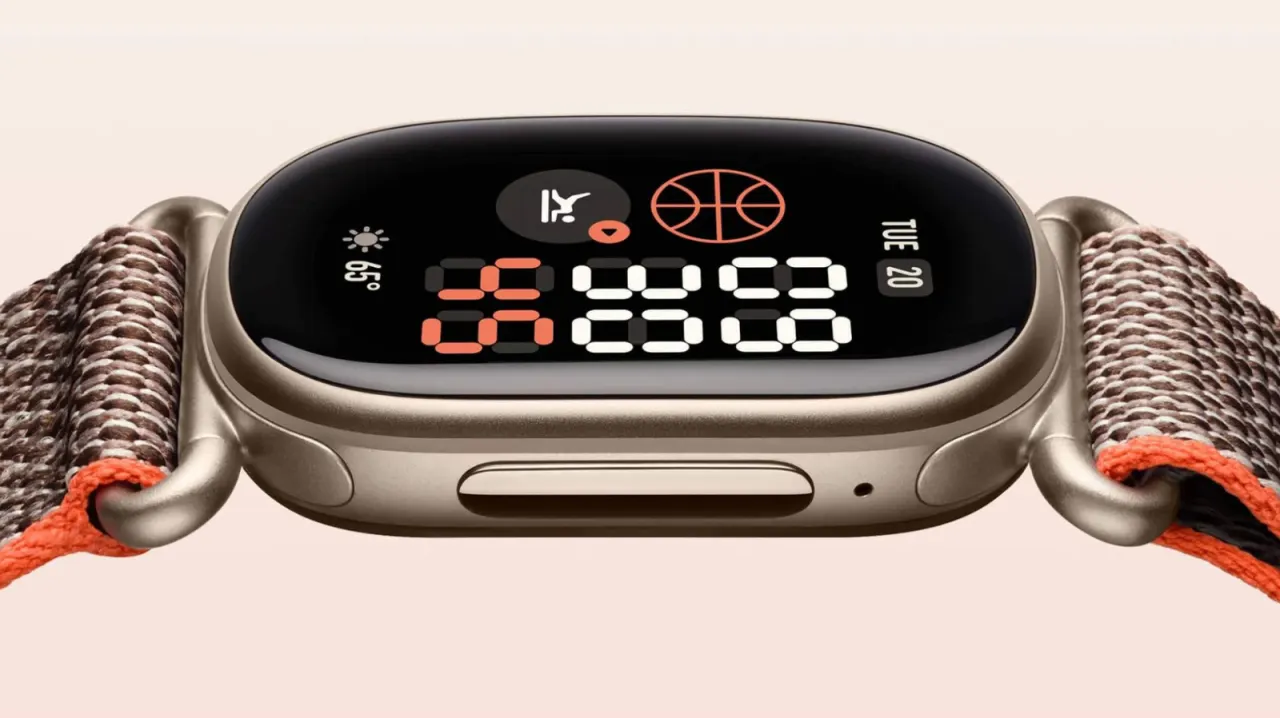
Google has renewed its commitment to Fitbit with the Edge, a fitness tracker aimed at people who want a simpler device than a smartwatch. A handful of settings can make it more useful for checking health data, wearing during exercise and managing battery life.
The article recommends choosing a clock face with more tiles, adjusting tracker orientation to avoid pressing the physical button, and disabling Coach Insights to reduce unsolicited advice. Using a phone for GPS can extend battery life, though location tracking stops if the phone is left behind; Dynamic mode switches to the tracker’s GPS when needed. Always-On Display reduces the stated maximum battery life from seven days to about two, while a short daily charge can help maintain a full day’s use.
In short
- Modular clock faces show more health stats at a glance.
- Phone GPS can save battery, but requires carrying your phone.
- Always-On Display cuts maximum battery life from seven days to two.
Read the full article at the source →
Originally published by Engadget as “Change these Fitbit Edge settings for a better experience”.