Technology news and discussion on TalkFuse.
12Members
8Posts
1Active now
15,950Stories
How to check which iOS version your iPhone is running
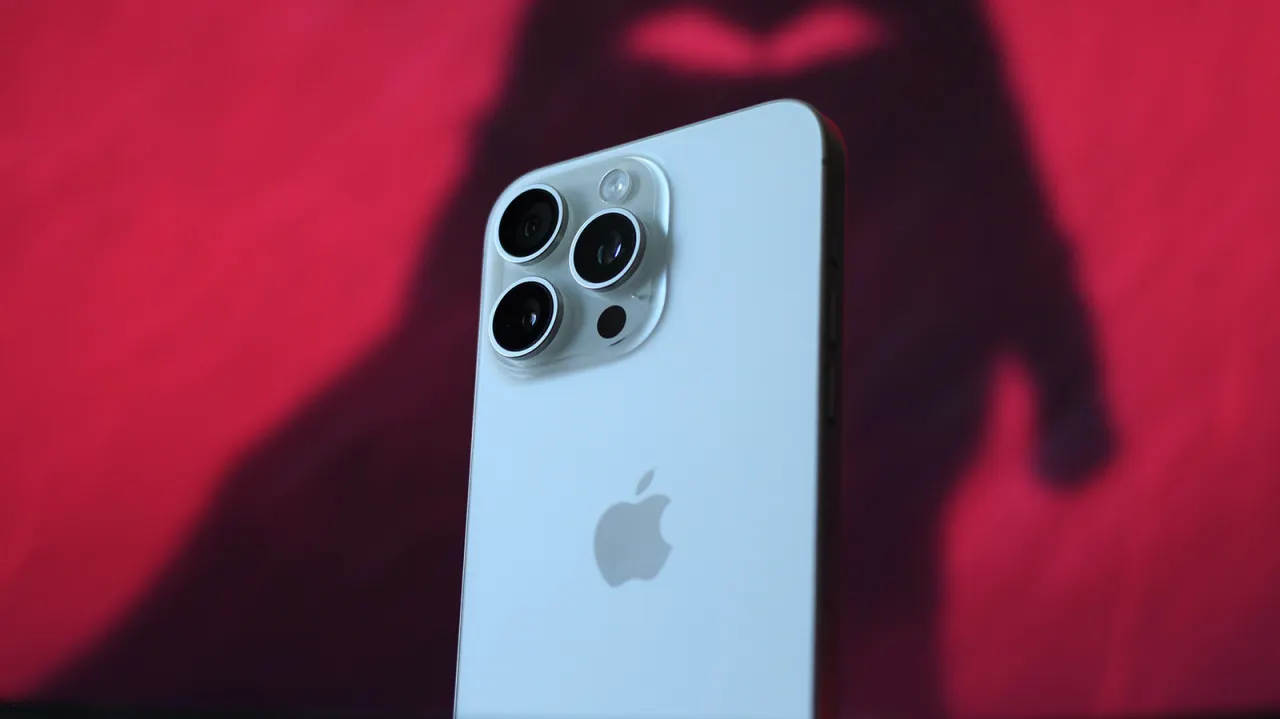
Apple’s long software support means older iPhones can still run recent iOS versions, so checking which version is installed can help users decide whether to update. The article explains how to find the version in Settings and check for available updates.
The current version appears under Settings > General > About > iOS Version; updates can be checked under Settings > General > Software Update. Updates can install automatically over Wi-Fi, manually on the phone, or through a Mac or PC. The article recommends backing up first and notes that major updates can take several gigabytes; it also says iOS 27 improves performance on older phones, with Apple claiming apps can launch up to 30 per cent faster.
In short
- Find your iOS version in Settings under General and About.
- Check for updates in Software Update or use a computer.
- Back up your iPhone before installing a major update.