Plan router placement, wired connections and security for a reliable home network
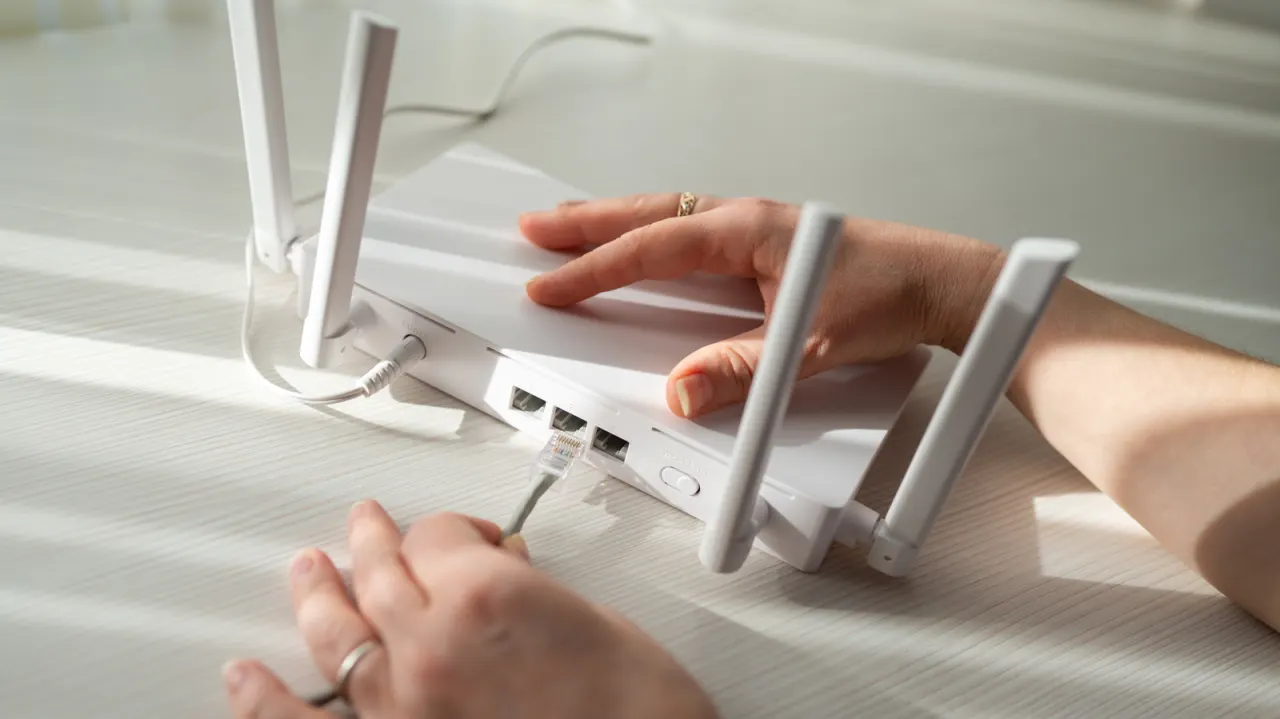
The article outlines common home network setup mistakes that can lead to weak Wi-Fi, slow connections or security problems. It recommends planning router placement and equipment around the home’s layout and internet service, and using wired connections where reliability matters.
Routers should be placed centrally and away from devices that can interfere with Wi-Fi, while larger homes may benefit from a carefully positioned mesh system. Ethernet can improve speed and reduce latency for gaming; Cat6a supports 10-gigabit connections over distances of up to 100 metres. The article also advises adding equipment gradually, labelling cables, enabling WPA3 or WPA2/WPA3 transitional security, changing default passwords and updating firmware; new routers or mesh systems may need bridge or access point mode to avoid conflicts with existing equipment.
In short
- Place routers centrally, away from sources of wireless interference.
- Use Ethernet for devices that need stable, low-latency connections.
- Secure the network, update firmware and check compatibility before adding equipment.
Read the full article at the source →
Originally published by Engadget as “Common mistakes you should avoid when setting up your home network”.