Technology news and discussion on TalkFuse.
Commons reasons your Android phone’s icons won’t move and how to fix it
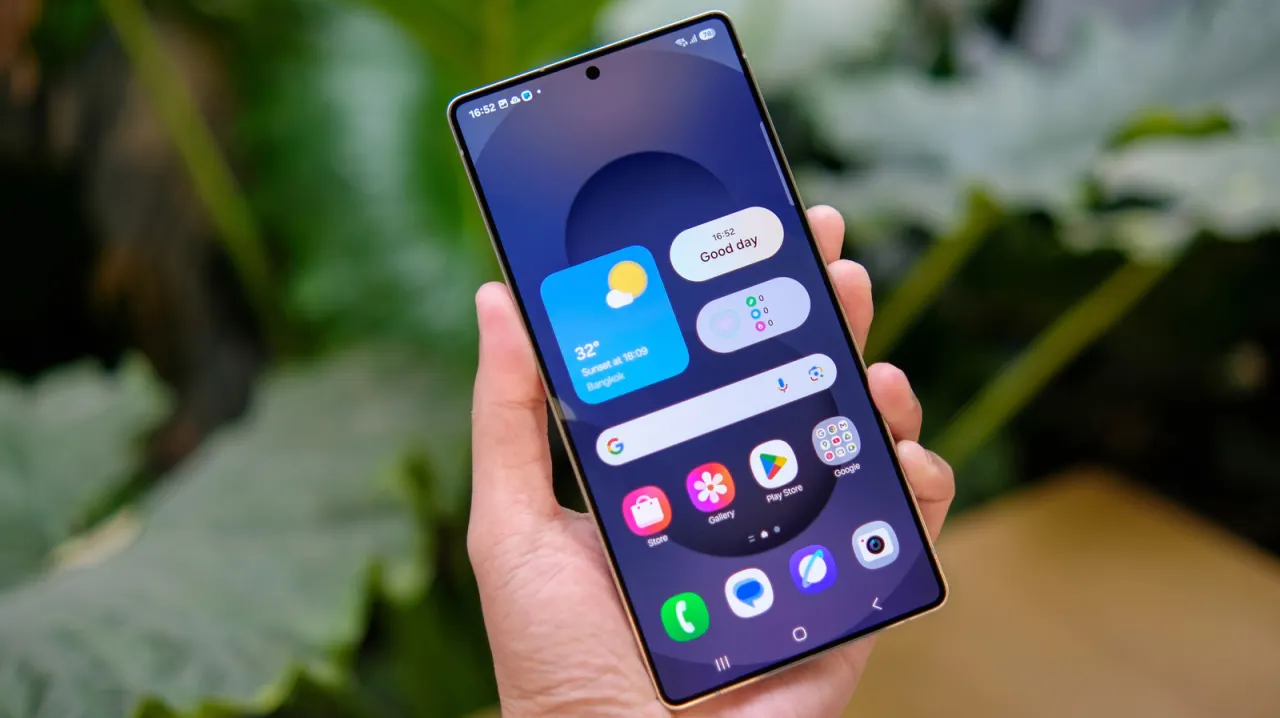
Android home screen settings are the most common reason icons cannot be moved or keep rearranging. Checking these settings can restore control of the layout without extensive troubleshooting.
A locked home screen layout prevents icons being moved; on Samsung phones, search Settings for “Home Screen” and turn off “Lock Home Screen Layout”. Automatic sorting and software updates can also change icon positions or the grid. On phones without a layout lock, such as Google Pixels, clearing the launcher app’s cache and restarting the phone may help; safe mode can help identify whether a third-party app is responsible.
In short
- Unlock the home screen layout to move icons.
- Check automatic sorting if icons keep rearranging.
- Clear the launcher cache and restart if icons remain stuck.
Explained simply
Android phones use a home screen to display app icons, and the software that manages it is called a launcher. The launcher’s settings can control whether icons may be moved and how they are arranged.
Different phone makers offer different home screen options, so the names and locations of settings vary. Some phones can lock the layout, while automatic sorting, software updates or other apps may also affect where icons appear.