Every Samsung Galaxy Phone Comes With This Unique Add-On
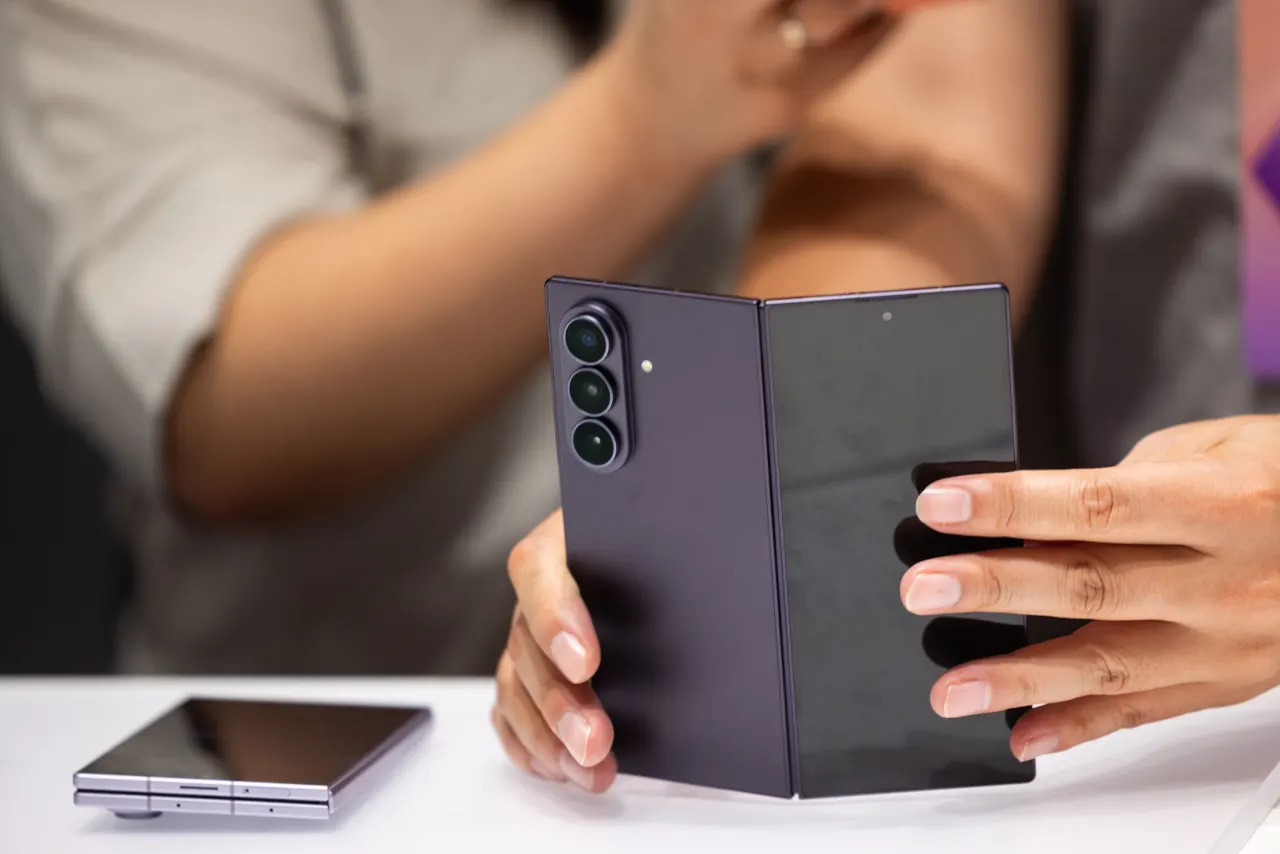
Samsung's Galaxy phones include a lesser-known feature called the Edge Panel, a customisable shortcut bar that gives users quick access to favourite apps, contacts and tools without navigating through menus. Unlike Google's Pixel devices, which highlight standout features like the Now Playing song-recognition widget, Samsung's Edge Panel is often overlooked or forgotten by owners despite being built into every Galaxy handset, making it an underused tool for streamlining everyday phone use.
The Edge Panel appears as a thin line along the screen's edge and can be enabled via Settings > Display > Edge Panels. It offers seven panel types—Apps, People, Tasks, Weather, Tools, Clipboard and Reminder—which users can mix, match and reorder according to preference. Customisation options include editing which apps or contacts appear, adjusting the handle's size, transparency and screen position, hiding the panel on the lock screen for privacy, and enabling it in landscape mode.
In short
- Samsung Galaxy phones have a hidden shortcut bar called Edge Panel.
- It offers seven customisable panel types, including apps and contacts.
- Users can reorder, resize and adjust privacy settings via Display settings.
Explained simply
Samsung Galaxy phones run Android with Samsung’s own One UI software, which adds features and settings alongside Google’s standard apps. One of these is Edge Panel, a shortcut menu built into the phone’s screen interface.
The panel can hold shortcuts to apps, contacts and tools, and users can choose which panels to show and where the handle sits on the screen. Its options vary from app shortcuts to weather and reminders, so people can set it up around tasks they use often.
Edge Panel matters because it offers another way to reach commonly used features without returning to the home screen or searching through menus. Its usefulness depends on whether a person wants those shortcuts and chooses to customise it.