How does using your MacBook while charging affect its battery life?
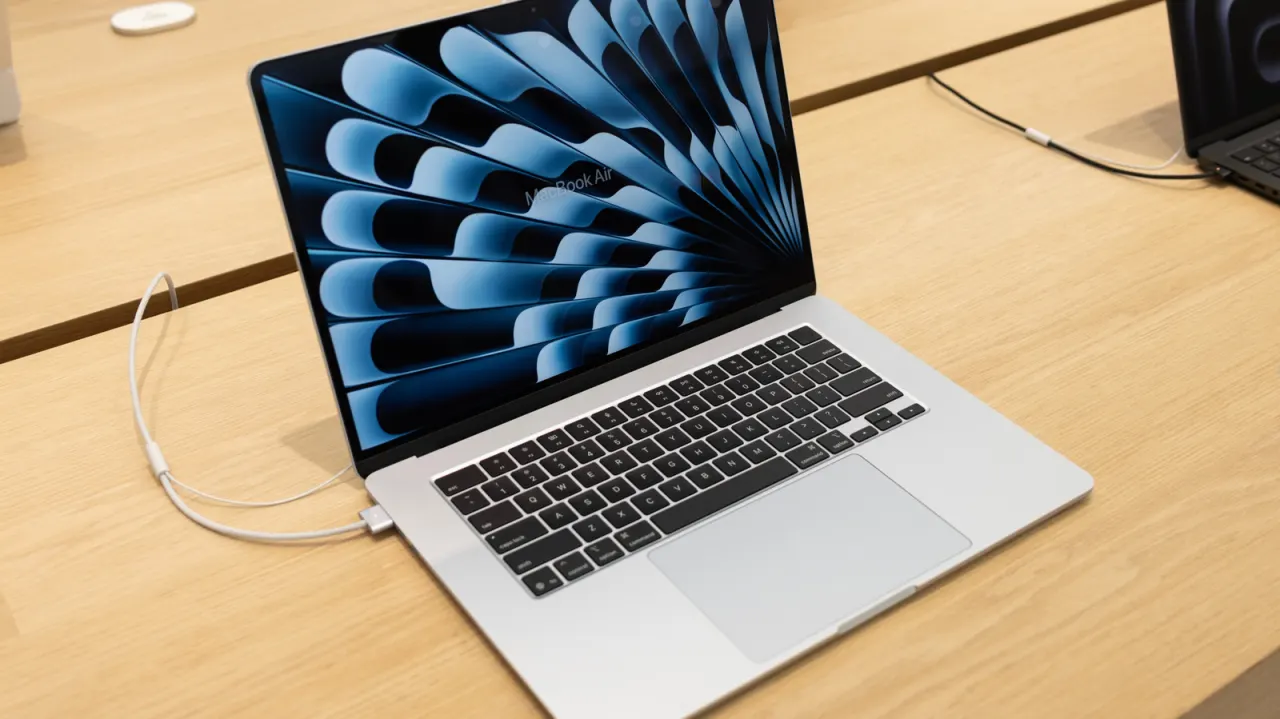
Modern MacBooks use lithium batteries and intelligent charging software that make it safe to keep devices plugged in continuously, contradicting the common misconception that this damages battery health. This matters because many users unnecessarily unplug their devices out of concern for battery longevity, when Apple's systems are actually designed to optimise charging patterns automatically.
Battery health management is activated by default on MacBooks running Catalina 10.15.5 or later, monitoring temperature and charging patterns to reduce wear. The primary threat to battery health is heat rather than continuous charging, particularly when using the device whilst charging in warm environments or with obstructed cooling fans; Apple recommends battery replacement only when capacity falls below 80 per cent, and suggests storing devices at around 50 per cent charge for extended periods.
- Modern MacBooks safely stay plugged in thanks to smart battery management software.
- Heat is the real threat to battery longevity, not continuous charging.
- Check battery status in System Settings and keep your device cool.
New here? Start with this
Many MacBook users worry that keeping their device plugged in while working will damage the battery and shorten its lifespan. This concern stems from older battery technology, where continuous charging at full capacity could indeed cause deterioration over time. Modern MacBooks, however, use lithium batteries paired with intelligent charging software designed specifically to prevent this problem.
Your MacBook's battery health management system works automatically to optimise charging patterns and reduce wear on the battery. The system continuously monitors temperature and charging behaviour, adjusting how the device charges to keep the battery in good condition. Rather than being damaged by constant charging, your battery is actually more threatened by heat, particularly when using the MacBook whilst it is plugged in during warm weather or when cooling vents are blocked.
Apple considers a battery to have reached the end of its useful life once capacity drops below 80 per cent, and only recommends replacement at that point. If you plan to store your MacBook for an extended period, the company suggests leaving it charged to approximately 50 per cent rather than fully charging or fully depleting it. For most users, following these basic practices will keep the battery healthy without needing to worry about unplugging the device during regular use.
Both sides, in good faith
The strongest fair case each way — we don't pick a winner.
The case for
Apple's intelligent charging systems and modern lithium-ion technology make it entirely safe to use MacBooks whilst charging, as these devices actively manage power distribution and temperature to minimise wear. Battery health monitoring operates automatically by default, and the primary factor affecting longevity is heat rather than charging patterns. Users need not worry about battery degradation from continuous charging and use.
The case against
Even with Apple's management systems in place, fundamental physics dictates that simultaneously charging and using a device generates more heat and electrical stress than charging alone, accelerating battery degradation compared to a more conservative approach. Users seeking maximum battery longevity would benefit from avoiding heavy use during charging sessions, and manufacturer claims that downplay these effects warrant scepticism, particularly given Apple's commercial interest in battery replacement.