How to create iPhone Shortcuts with Apple Intelligence (and why you should)
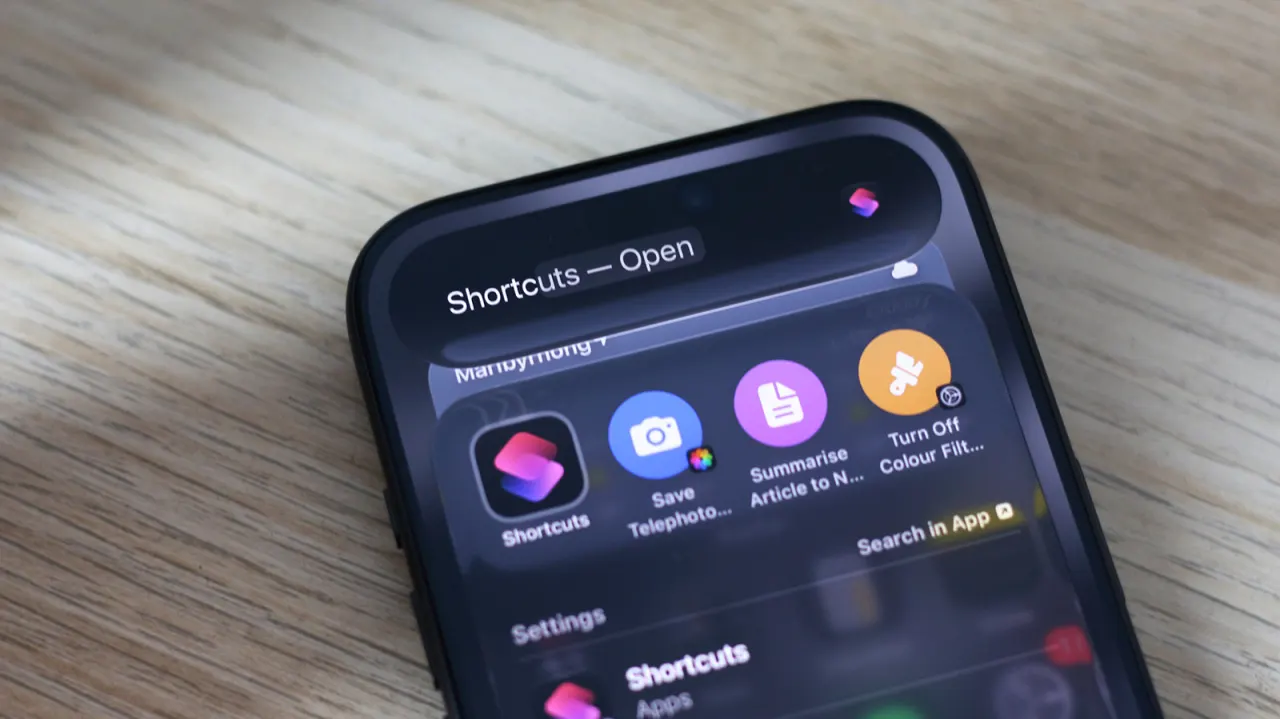
Apple Intelligence can create iPhone Shortcuts from plain-language prompts, making it easier to automate tasks without assembling every action manually. The feature is available in iOS 27 on iPhones that support Apple Intelligence, and the article argues it can make the Shortcuts app more useful, though generated automations need checking.
Users can start by tapping the plus button in Shortcuts, describing what they want, then testing the result. The article’s examples include a shortcut that saved telephoto photos to a separate album, and an attempted Instagram grayscale automation that needed to be split into two shortcuts. Apple Intelligence can also generate or process text using Cloud, Cloud Pro, on-device models or ChatGPT; results vary, and some prompts produce an action that misses the request.
- Describe a shortcut in plain English and Apple Intelligence will build it.
- Generated shortcuts can be inaccurate and may need editing.
- Shortcuts can also use AI models to process text and data.
Both sides, in good faith
The strongest fair case each way — we don't pick a winner.
The case for
Plain-language shortcut creation could make automation accessible to people who find manually assembling actions difficult, helping them save time and tailor their iPhones to routine tasks. Because users can test and adjust the generated shortcuts, the feature may make the Shortcuts app more useful while leaving people in control of what runs.
The case against
Generated shortcuts can misunderstand a request or produce an incomplete workflow, so users still need to inspect and test them; that limits the time saved and may frustrate people expecting reliable results. The feature also depends on a compatible iPhone and Apple Intelligence, and some text processing may involve cloud services or ChatGPT, which users may weigh against the convenience.