How to know if a USB-C cable is waterproof
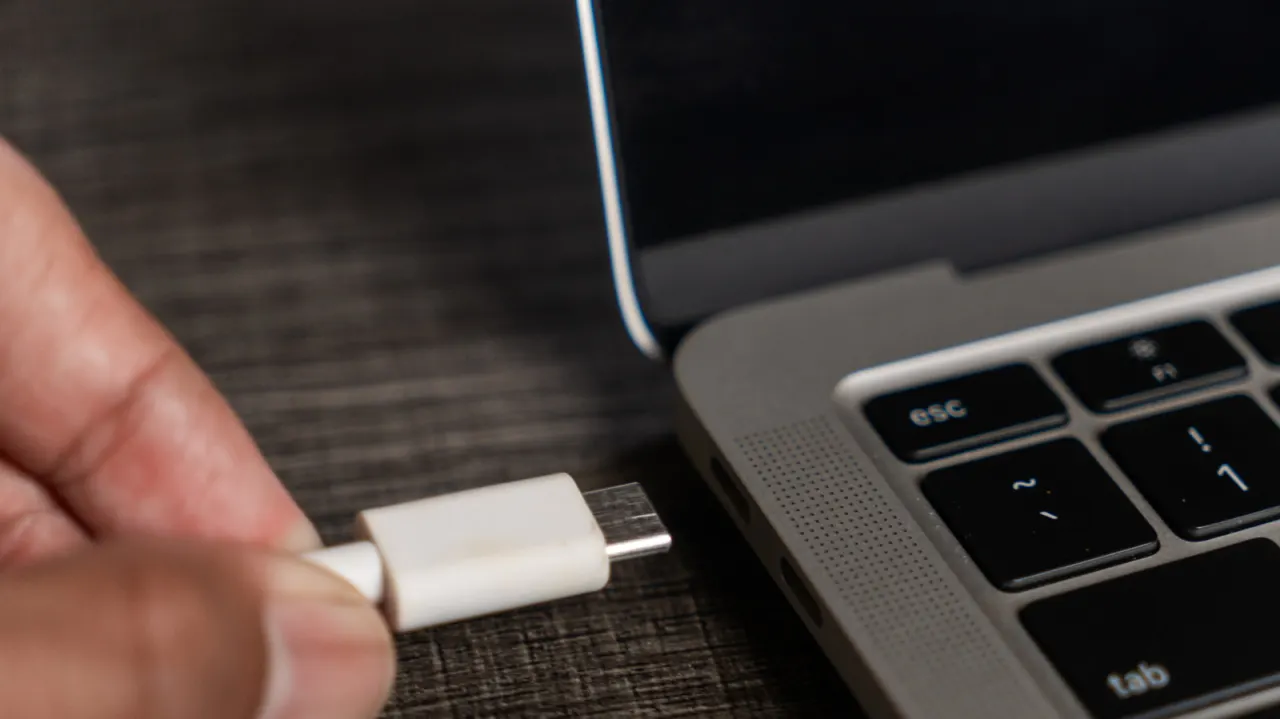
An IP rating is the clearest way to tell whether a USB-C cable is designed to withstand water. The distinction matters because the USB-C standard itself does not require water resistance, and moisture inside a connector can damage equipment or create overheating risks.
Look for IP67 or IP68, where the second digit indicates protection from water; seals, gaskets and locking collars help keep water out. These cables are used in demanding settings such as construction, maritime work and electric vehicle charging, and prices range from about $10 to ten times that for rugged models. Never plug in a wet cable; unplug it and let it dry for 24 to 48 hours, and replace it if it gets hot after drying.
In short
- Check for an official IP67 or IP68 rating.
- USB-C alone does not guarantee water resistance.
- Dry wet cables for 24 to 48 hours before reuse.
Explained simply
USB-C describes the shape and function of a connector; it does not mean a cable can withstand water. An IP rating is a separate measure of how well a product is protected from dust and water, and can help identify cables designed for wet or demanding conditions.
The rating’s second digit refers to water protection, so IP67 or IP68 are signs to look for. Seals, gaskets and locking collars can also help keep moisture out. Such cables are used in settings including construction, maritime work and electric vehicle charging.
Water inside a connector can damage equipment or create a risk of overheating. A wet cable should be unplugged and left to dry fully before use; if it gets hot afterwards, it should be replaced.