How to make your Android alarm ring at full volume even when your calls are muted
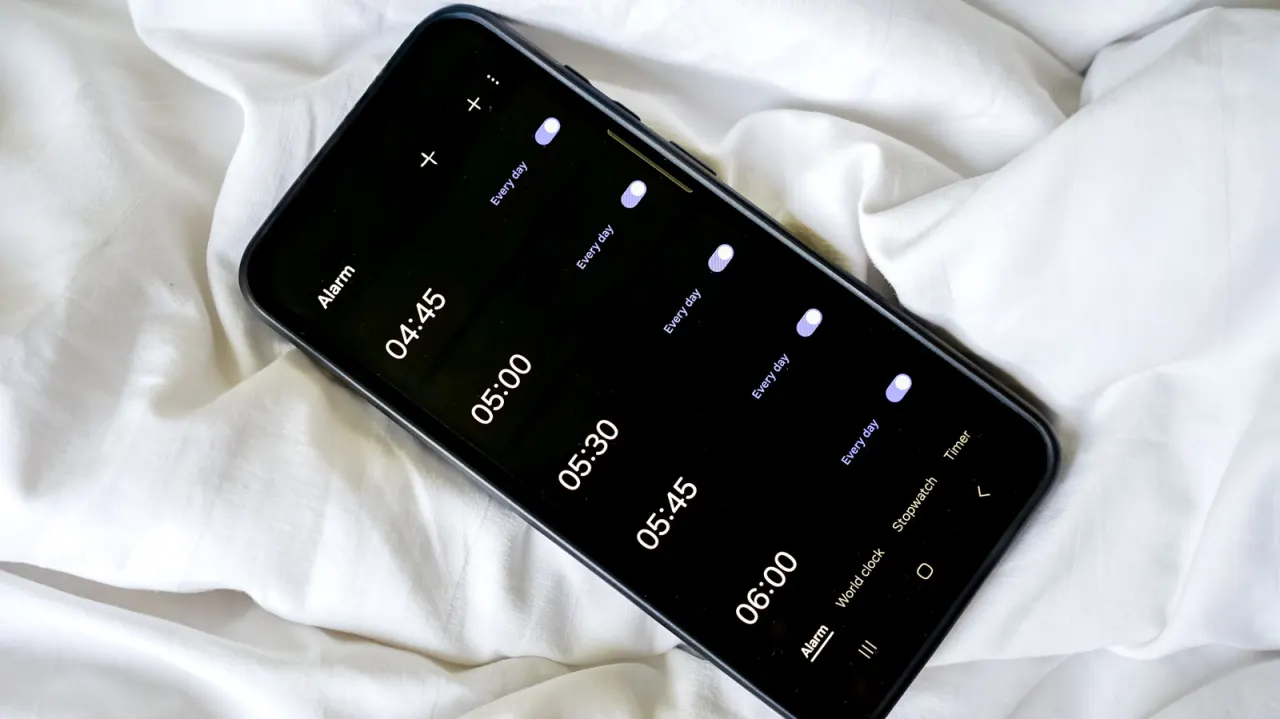
The article explains how Android users can keep alarms loud while muting calls and notifications, avoiding missed wake-ups or appointments. It matters because sound controls vary between Android manufacturers, so muting a phone may sometimes also affect alarms unless their volume is set separately.
Users should first check the expanded volume menu for an alarm slider, or find it in Settings under Sound & vibration and Volume. Samsung users can expose this slider after a timer sounds; users should also allow alarms during Do Not Disturb, check Bluetooth audio routing, prevent alarm apps being restricted in the background, and ensure any third-party app is the default alarm app.
- Set the separate alarm-volume slider.
- Allow alarms through Do Not Disturb.
- Check Bluetooth and alarm-app settings.
New here? Start with this
Android phones often have separate volume controls for calls, notifications, media and alarms. Muting calls does not always mute alarms, but the controls and menus can vary between manufacturers.
The built-in Clock app usually manages alarms, while some people use a separate alarm app. Settings such as Do Not Disturb, Bluetooth connections and restrictions on background activity can affect whether an alarm sounds through the phone.
Knowing which settings control alarm sound can help people keep their phone quiet at other times while still hearing a wake-up alarm or reminder.