How to set up 5.1 surround sound system for your Xbox
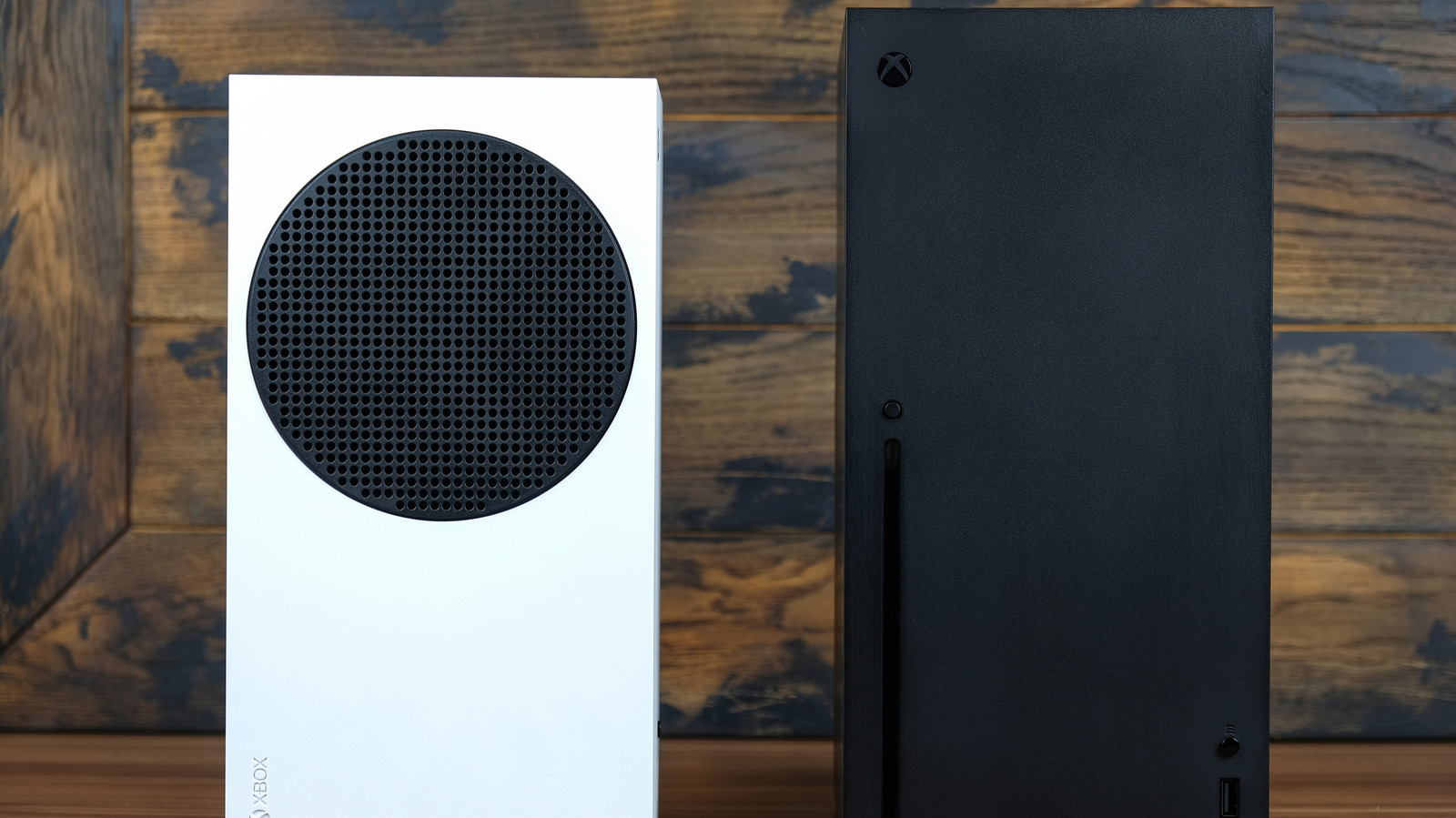
Xbox Series X/S consoles can deliver immersive 5.1 surround sound, improving positional awareness in competitive games and adding atmosphere to story-driven titles. With a modern TV, the simplest setup is to connect the Xbox to an HDMI eARC/ARC port and send audio from the TV to a soundbar or AV receiver, while HDMI 2.1 support preserves features such as 4K at 120 frames per second.
In the Xbox audio settings, users can select 5.1 or 7.1 uncompressed audio, or use bitstream output if their equipment lacks sufficient bandwidth. Dolby Atmos systems require the Dolby Access app and a compatible home-theatre setting. Older TVs can still support 5.1 through an HDMI audio extractor or an AV receiver, although optical connections cannot deliver 7.1 or lossless Atmos, and older receivers may restrict HDMI 2.1 features such as 4K/120Hz and variable refresh rate.
- Modern TVs make Xbox surround-sound setup straightforward.
- Older TVs need an audio extractor or compatible AV receiver.
- 5.1 can offer excellent immersion without a costly 7.1 system.