Technology news and discussion on TalkFuse.
How to set up EV routing on CarPlay and Android Auto
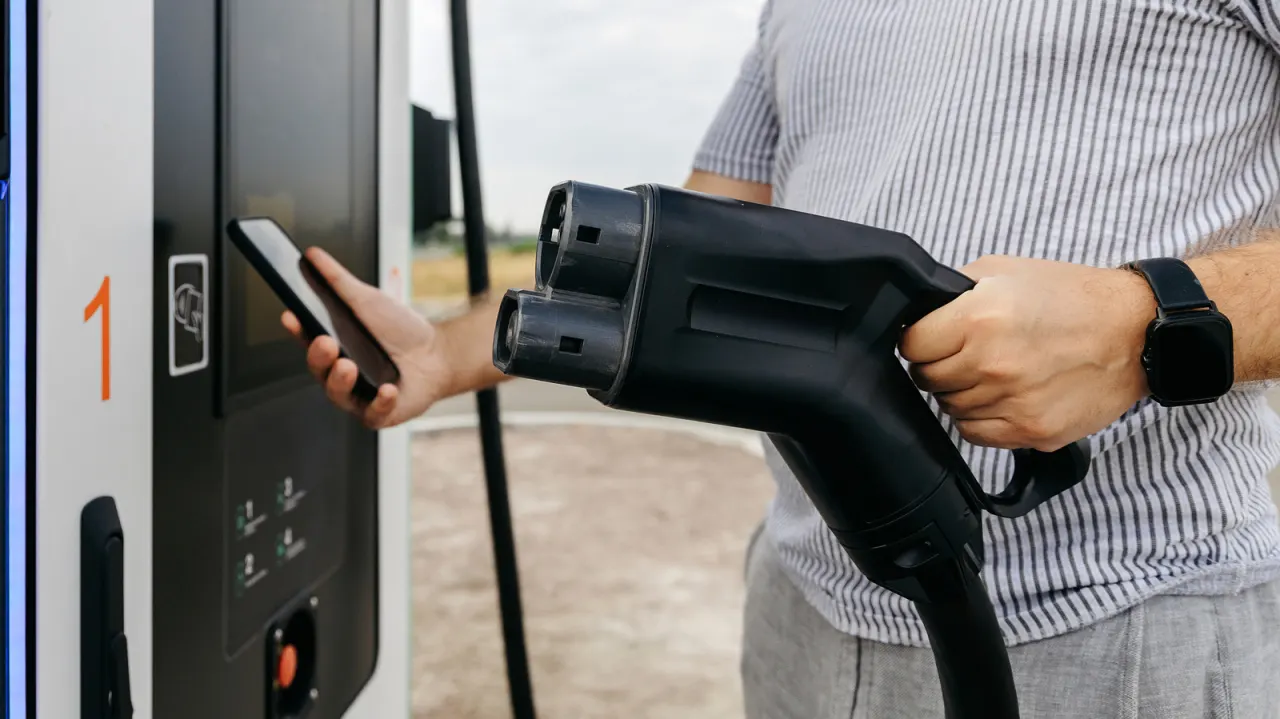
EV routing in Apple Maps and Google Maps can plan charging stops around a journey, estimate battery levels and, in some cases, show live charger availability. The feature can make longer trips easier to plan, but support depends on the car, phone and navigation setup; having CarPlay or Android Auto alone does not guarantee it will work.
For Apple Maps, drivers may need to connect their car directly or install and configure the manufacturer’s app, with steps varying by brand. In Google Maps, users need version 25.44 or later, must enter their vehicle details and connect to Android Auto; the app can then estimate battery use and add charging stops. Google expanded Android Auto charging recommendations to more than 350 US EV models in March 2026, though battery predictions should be treated as estimates.
In short
- EV routing can plan charging stops and estimate arrival battery levels.
- Setup differs between Apple Maps, Google Maps and car manufacturers.
- Compatibility varies, and battery predictions are estimates.