Technology news and discussion on TalkFuse.
Set up Voice Match and personal replies on Google Home speakers
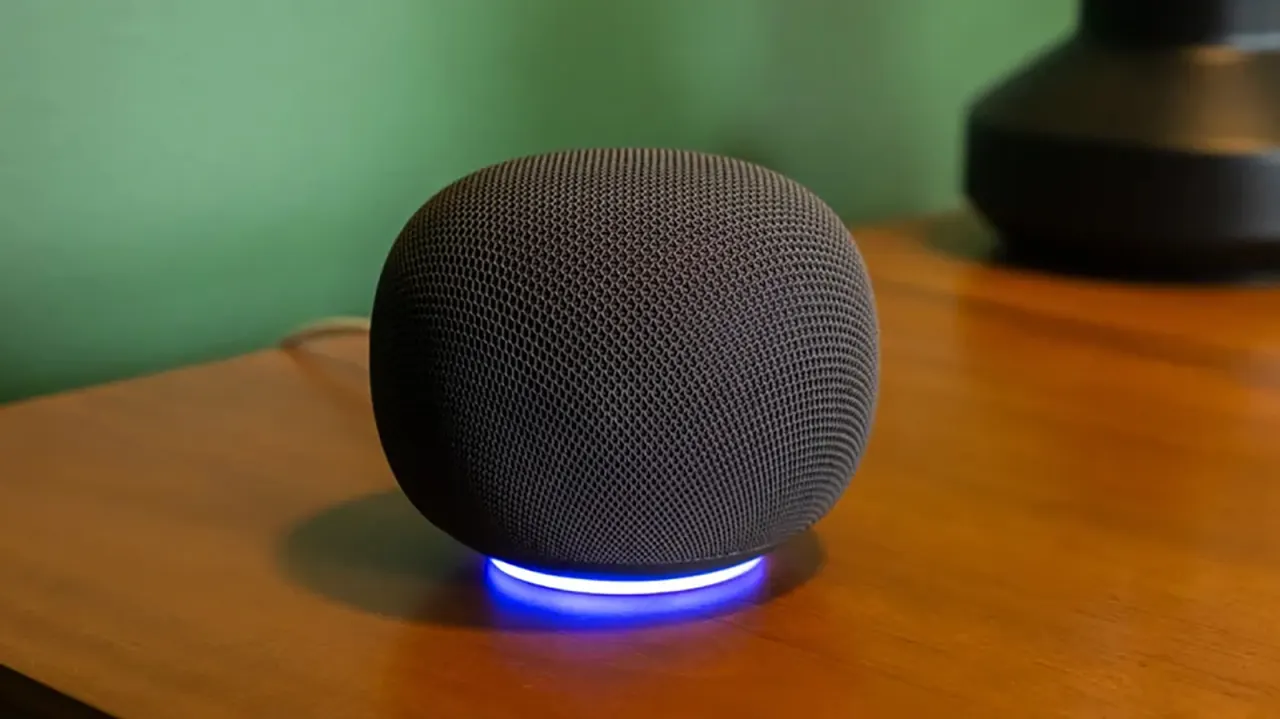
Google Home’s Voice Match and personal results features let compatible speakers recognise who is speaking and tailor answers to that person. The setup can give household members easier access to their own schedules and information, while keeping those personalised replies from other recognised users.
In the Google Home app, users link their Google account, set up Voice Match under Gemini for Home Assistant, then enable Personal results and choose the devices. Up to six people can set up individual profiles; guests and people without profiles can still use general features but receive generic answers. If Voice Match is switched off while personal results remain on, anyone speaking to the assistant may hear the account holder’s personal information.
In short
- Voice Match lets Google Home tailor replies to recognised speakers.
- Up to six people can link individual accounts.
- Personal results may be exposed if Voice Match is off.
Steelman: both sides, in good faith
The strongest fair case each way — we don't pick a winner.
The case for
Voice Match and personal results can make shared speakers more useful by giving each household member convenient access to their own schedules and information without needing separate devices. Individual profiles offer a practical balance between personalisation and privacy when recognition works as intended.
The case against
Recognising speakers and tailoring replies may expose sensitive information if the assistant mistakes who is speaking or if personal results remain enabled after Voice Match is turned off. Some users may judge that risk, along with the need to link accounts and configure settings, outweighs the convenience of personalised answers.
Explained simply
Google Home speakers can respond to different people in the same household. Voice Match is designed to recognise a speaker’s voice and connect it to a profile linked to their Google account.
Personal results can then provide information such as that person’s schedule. Household members can set up separate profiles, while people without profiles can still use general features. The settings also affect who may hear account-linked information, so Voice Match and personal results work together to control access.
Read the full article at the source →
Originally published by Engadget as “How to turn on personal results on your Google Home”.