Old drives can form a RAID system, but configuration determines the risks
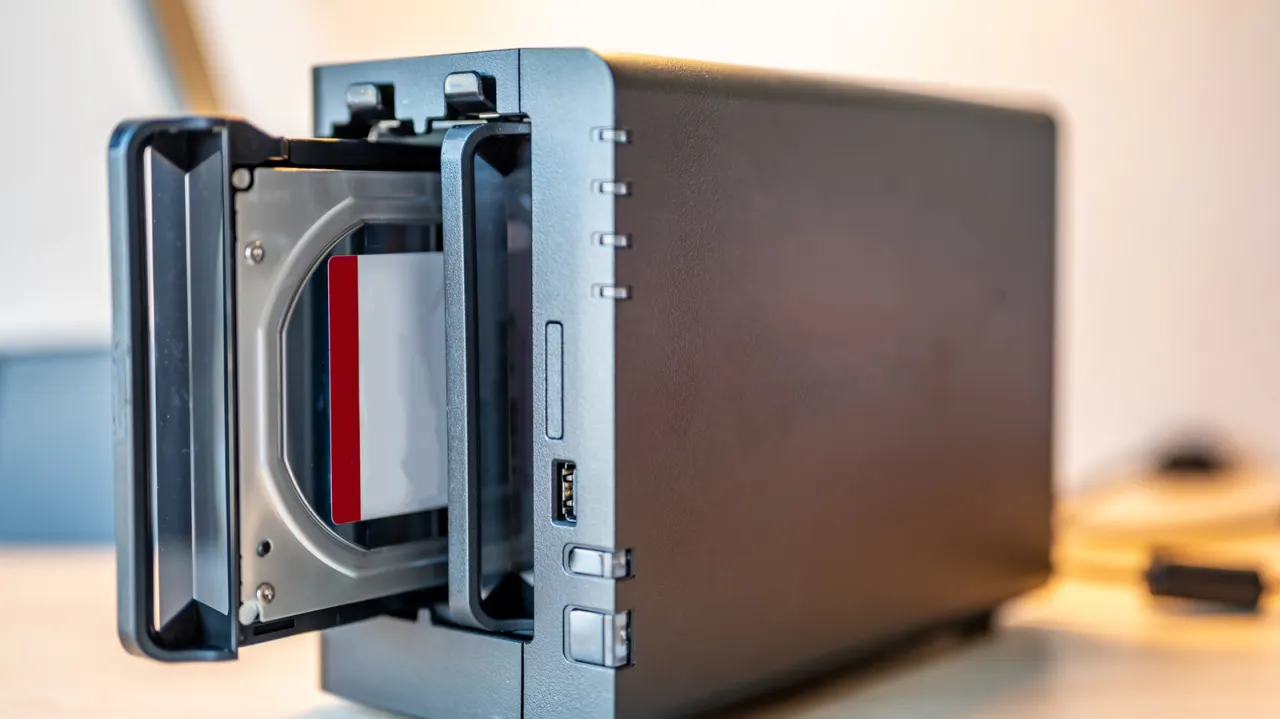
The article explains how RAID can repurpose old hard drives by combining them into one storage system, offering faster access or protection if a drive fails. It matters because unused drives can still be useful, but RAID’s benefits depend on the configuration and it does not replace a proper backup.
It describes four common options: RAID 0 stripes data across drives for speed and combined capacity but offers no protection; RAID 1 mirrors data, protecting against a single drive failure while using only half the total capacity; RAID 5 needs at least three drives and can recover from one failure; and RAID 10 combines striping and mirroring, though losing both drives in a mirrored pair can mean data loss. Arrays can be created through software or hardware, with software often simpler but potentially slower.
- RAID can give old hard drives a useful second life.
- Each RAID type trades capacity, speed and fault tolerance differently.
- RAID is not a substitute for a full backup.
New here? Start with this
RAID is a way of combining several hard drives together so they work as a single storage unit. If you have old drives gathering dust, RAID can put them back to use by linking them up to create extra storage space, faster data access, or protection in case one drive breaks down.
How your RAID system works depends on which configuration you choose, and each has different strengths and weaknesses. Some setups prioritise speed and overall capacity, whilst others focus on protecting your data if a drive fails. Picking the right configuration is important because choosing wrongly could leave you with more storage but less protection for your files.
RAID can be a useful way to recycle old hardware, but it should not be your only protection for important data. Even RAID systems designed to handle a single drive failure have limits, and data loss is still possible in certain situations.
Read the full article at the source →
Originally published by Engadget as “How to turn your old hard drives into a RAID array”.