Technology news and discussion on TalkFuse.
Check PC compatibility before installing a new graphics card
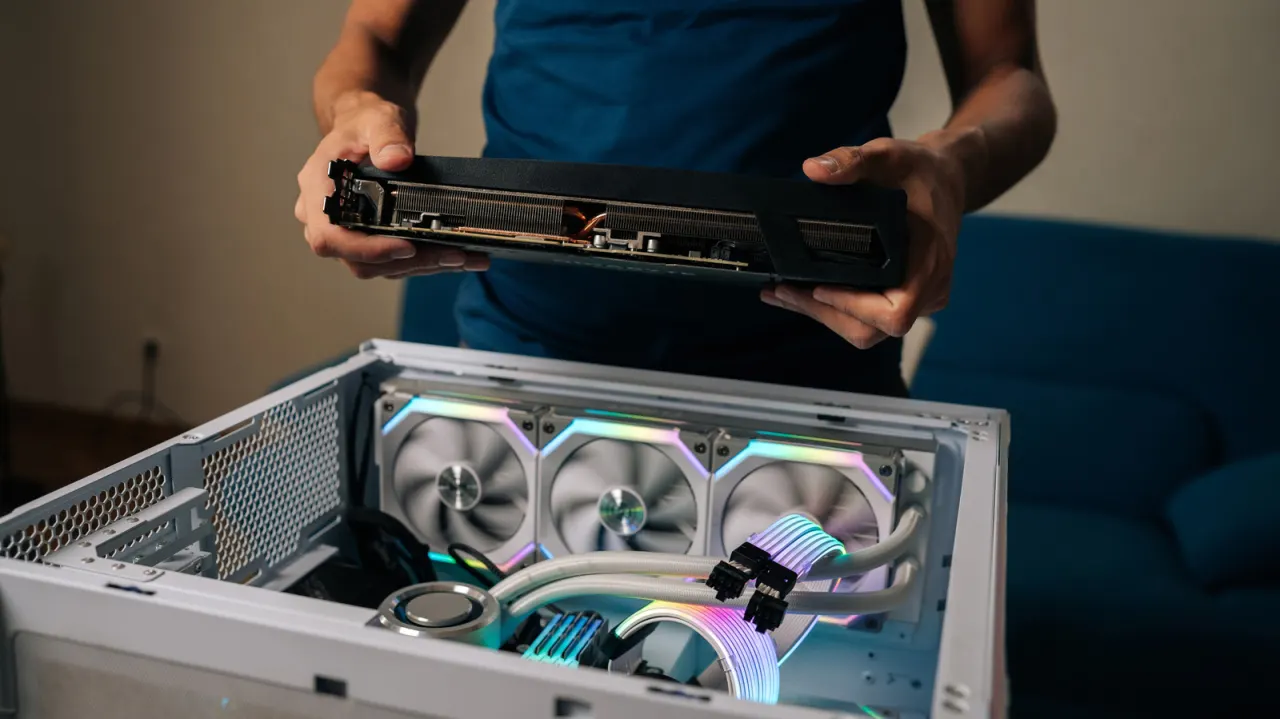
Upgrading a graphics card can improve gaming performance, increase frame rates and enable features such as ray tracing and upscaling. The installation is relatively simple, but checking compatibility first helps avoid extra costs or a system bottleneck.
Check the exact card’s recommended power supply wattage and connectors, and make sure the case has enough clearance for the card and its cables. A weaker processor may limit performance, especially at high frame rates, while a high refresh rate display helps make use of extra frames. To install the card, power down and unplug the PC, remove the old card, fit the new one into the PCIe slot nearest the CPU, secure it and connect its power cables; then install drivers from Nvidia, AMD or Intel.
In short
- Check power supply and case compatibility before buying.
- A slower processor can limit the new card.
- Install official drivers after fitting the GPU.
Read the full article at the source →
Originally published by Engadget as “How to upgrade the graphics card in your PC”.