Technology news and discussion on TalkFuse.
Google’s Gemini arrives on CarPlay with two ways to use it
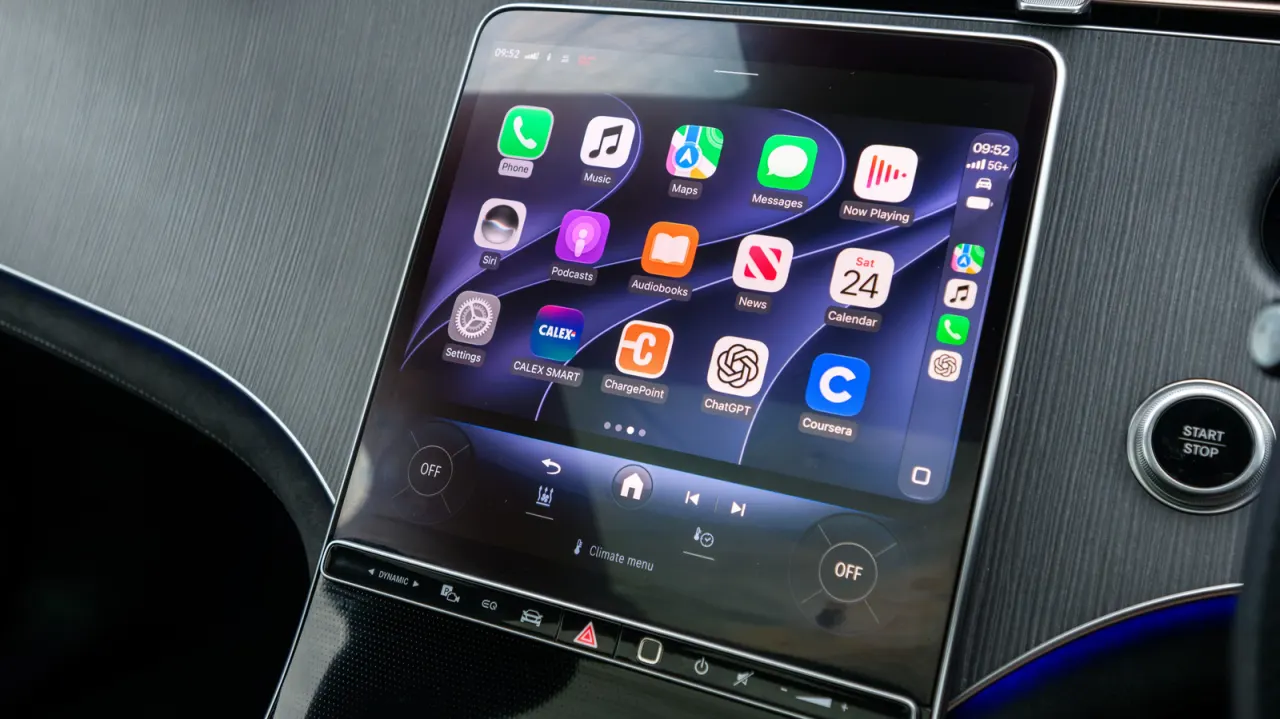
Apple has opened CarPlay to third-party AI apps with the launch of iOS 27, including Google's Gemini, even though these apps compete with Apple's overhauled Siri. The guide explains how drivers can use Gemini in their car. This matters because Apple has historically been restrictive towards rivals on its platforms.
Gemini appears on the CarPlay homescreen once the app is installed and CarPlay is configured, but it only works after the user has first used Gemini Live on their iPhone, which also grants microphone permission. The alternative is a Gemini button in Google Maps, which launched in the US and, as of November 2026, is rolling out to more than 30 European countries. The Maps option accepts vague questions and follow-ups, such as asking for directions to a park or reporting traffic incidents on the way.
In short
- Gemini works on CarPlay, but only after using Gemini Live once.
- Google Maps offers a Gemini button, rolling out across Europe.
- Apple's iOS 27 now permits rival third-party AI apps on CarPlay.
Read the full article at the source →
Originally published by Engadget as “How to use Gemini on Apple’s CarPlay”.