Google Gemini’s Spark automates routine tasks for eligible subscribers
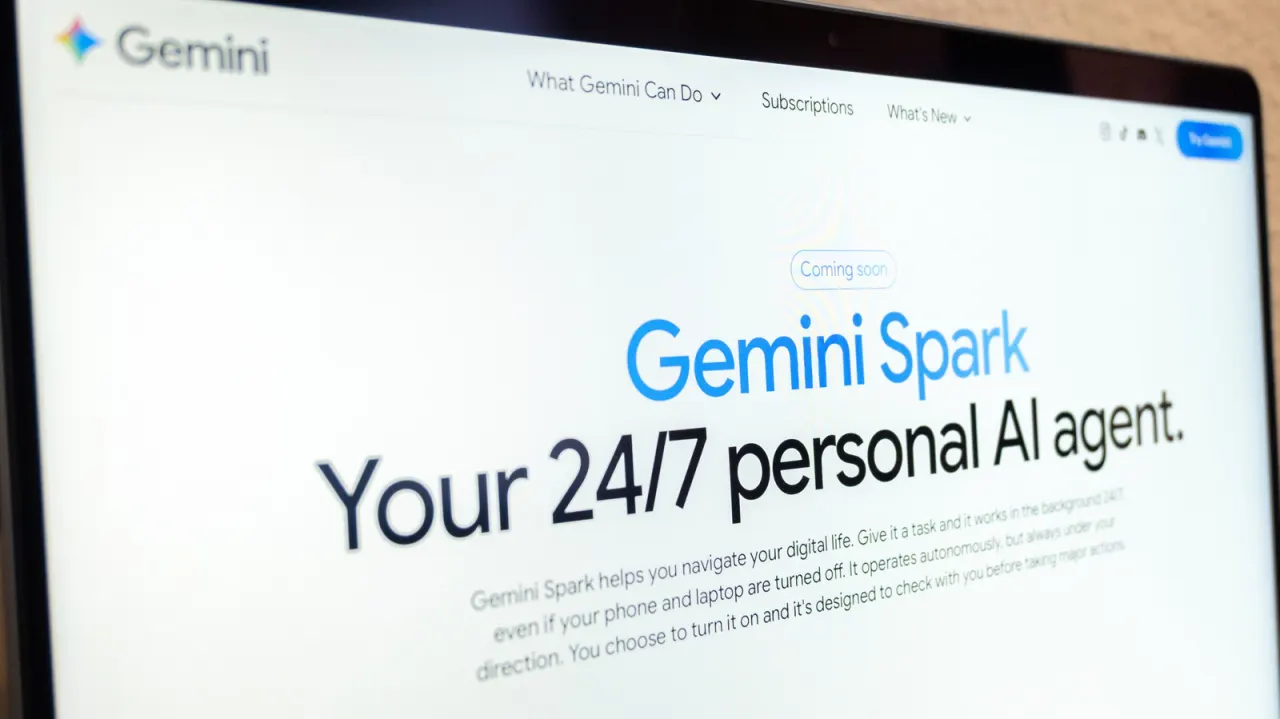
Google’s Gemini Spark is an AI assistant that can carry out tasks in the background, such as summarising emails or tracking internship applications. The feature aims to save users time by handling routine work across Google services, while requiring people to review its progress and results.
Spark is available to Google AI Pro and Ultra subscribers, and some business subscribers, but not to people in the UK, European Economic Area, Switzerland or Nigeria. Users need to switch on “Keep activity” and can start a task from the Gemini app or website; Spark can work with Gmail, Docs, Calendar, Slides and Drive. Google warns users not to share sensitive details such as passwords or payment information, and says tasks should be monitored because AI can make mistakes.
- Spark can automate routine tasks across Google apps.
- Access requires a paid plan and is unavailable in the UK.
- Google advises monitoring tasks and keeping sensitive details out.
New here? Start with this
Google has introduced a new feature called Spark within its Gemini AI assistant. Spark can perform routine tasks automatically, such as summarising emails or tracking internship applications, without requiring constant input. The feature works across several Google services, including Gmail, Docs, Calendar and Drive.
The feature is currently available only to Google AI Pro and Ultra subscribers, as well as some business customers. People in the United Kingdom, the European Economic Area, Switzerland and Nigeria cannot access Spark. Users must enable a setting called "Keep activity" to use the feature and can start tasks from the Gemini app or website.
The feature is intended to save users time on routine administrative work. Google has emphasised that users should review Spark's work and not share sensitive information like passwords through the tool, as artificial intelligence systems can still make errors. The feature requires human oversight to ensure tasks are completed correctly.
Both sides, in good faith
The strongest fair case each way — we don't pick a winner.
The case for
Automating routine administrative tasks like email summarisation and calendar management represents a genuine productivity gain that allows professionals to concentrate on meaningful work requiring human judgment and creativity. The feature includes sensible safeguards—users must review results, monitor progress, and the service explicitly warns against sharing sensitive information—whilst remaining optional and available only to paid subscribers who actively choose to use it.
The case against
Whilst automation can offer convenience, widespread deployment of AI handling routine work raises legitimate concerns about employment displacement, skill atrophy amongst workers, and systemic over-reliance on systems that remain fallible and unpredictable. The geographic restrictions the company itself has imposed suggest regulatory bodies harbour valid concerns about data privacy and algorithmic accountability that warrant careful consideration before normalising such extensive background automation of professional tasks.
Read the full article at the source →
Originally published by Engadget as “How to use Google Gemini to automate tasks”.