Old Android phones can provide temporary Wi-Fi coverage
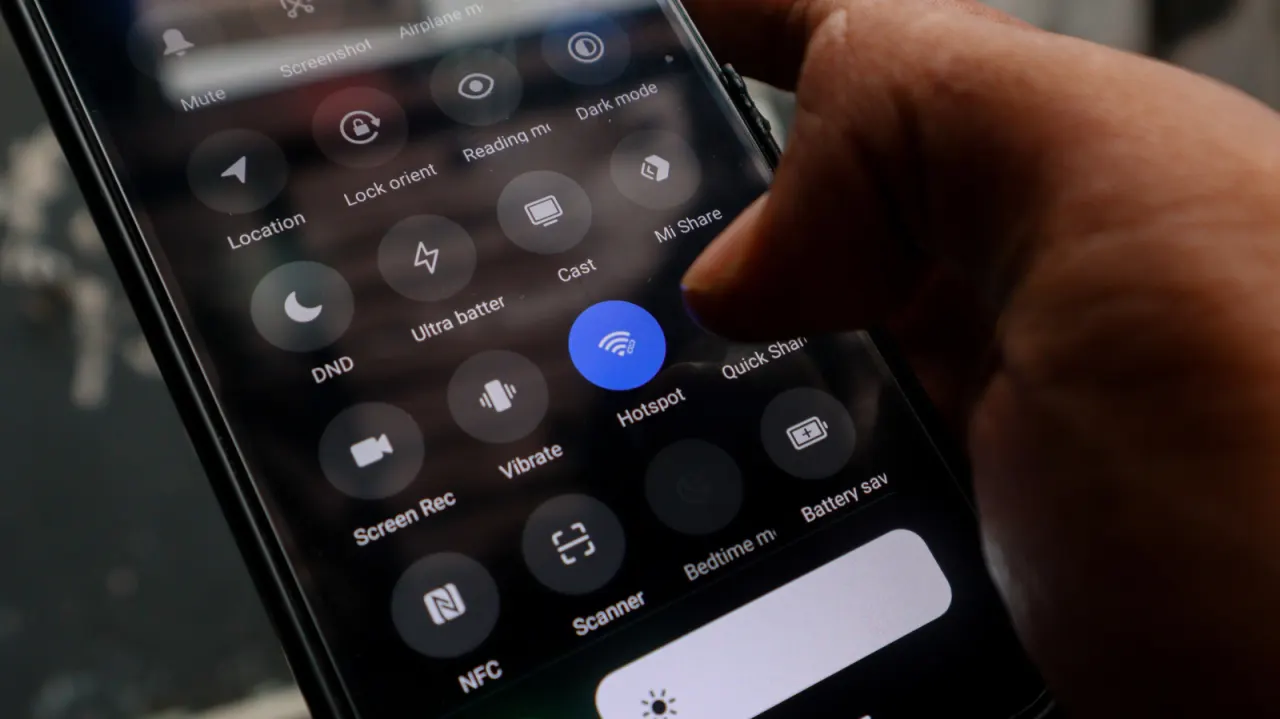
An old Android phone can be repurposed as a no-cost, temporary Wi-Fi extender for rooms with poor coverage, avoiding the immediate expense of a dedicated extender, mesh node or replacement router. By connecting the phone to the home network and enabling its hotspot, users can create a separate signal for nearby devices; however, it does not increase broadband speed and is less capable than purpose-built equipment.
The article advises updating and charging the phone, connecting it to the home Wi-Fi, then enabling Wi-Fi Hotspot through Settings and setting a strong password. Placing it midway between the router and the dead zone, with access to power, should improve coverage; 5GHz may offer better nearby performance but has shorter range than 2.4GHz. Continuous hotspot use drains the battery, requires manual network switching, and may be unreliable for some smart-home devices because it lacks seamless roaming and integration.
- Repurpose an old Android phone to cover Wi-Fi dead zones.
- It is free but slower and less seamless than dedicated hardware.
- Keep the phone powered and place it between router and dead zone.
New here? Start with this
Wi-Fi carries your home internet connection from a router to phones, computers and other devices. Walls and distance can weaken the signal, leaving some rooms with a slow or unreliable connection.
A Wi-Fi extender or mesh system relays the router’s signal to areas it does not reach well; a replacement router is another option. An Android phone can also share a connection with nearby devices through its hotspot, though it may need to switch between the home network and the phone’s signal.
This can offer a temporary way to improve coverage without buying extra equipment. A phone has limits: it does not make the broadband connection faster, may need to stay plugged in, and may not work smoothly with devices that expect to move between Wi-Fi signals automatically.
Both sides, in good faith
The strongest fair case each way — we don't pick a winner.
The case for
Repurposing an unused Android phone is a practical, low-cost way to address a temporary Wi-Fi dead zone, particularly for households that need a quick solution without buying new equipment. It can make an otherwise idle device useful, extend usable connectivity into a nearby room, and allow users to test whether better signal placement resolves the problem before investing in a mesh system or new router.
The case against
A phone hotspot is an improvised workaround rather than a reliable replacement for purpose-built networking equipment. It does not improve the underlying broadband connection, consumes power and battery, requires devices to switch networks manually, and may create problems for smart-home devices or people who need stable, seamless coverage. For regular or whole-home use, an extender, mesh node or improved router setup is likely to be more dependable and convenient.
Read the full article at the source →
Originally published by Engadget as “How to use your old Android phone as a Wi-Fi extender”.