MapQuest adds a map layer showing known surveillance cameras and plate readers
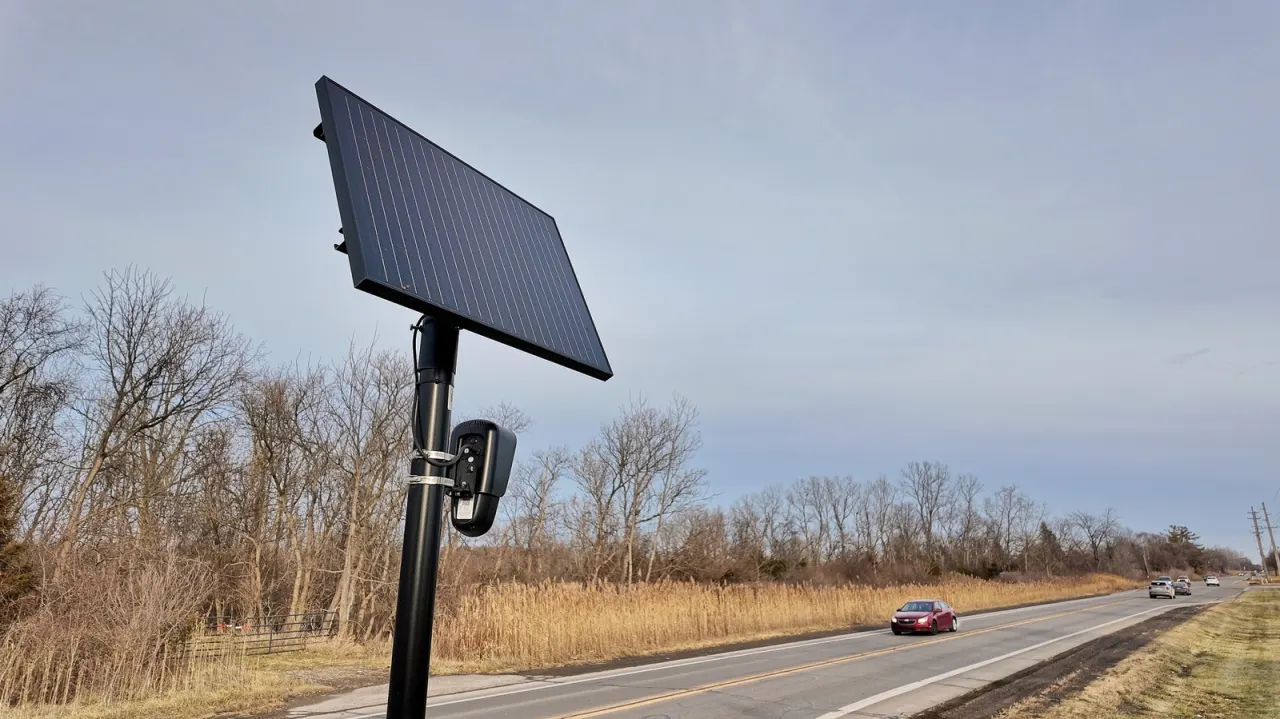
MapQuest has added a map layer showing known outdoor surveillance cameras and licence plate readers, including Flock cameras. The feature gives users a clearer view of surveillance equipment in their neighbourhoods and may help residents understand its reach or support efforts to remove cameras.
The layer also lists cameras from Motorola Solutions’ Vigilant, Genetec, Axis Communications, Axon, Leonardo’s ELSAG, Neology, Rekor, PlateSmart, Ubicquia and Verkada. It appears alongside the app’s traffic and incident layers; although it may not make cameras easy to avoid on familiar routes, it shows where they are known to be.
- MapQuest now maps known surveillance cameras and licence plate readers.
- The layer includes Flock and several other camera providers.
- It may help residents see how widespread local surveillance is.
Both sides, in good faith
The strongest fair case each way — we don't pick a winner.
The case for
Making known surveillance cameras and plate readers visible can help residents understand how extensively their movements may be monitored and take part in informed local debate. Publicly mapping equipment may also support accountability and give communities useful information when considering whether particular cameras are needed or should be removed.
The case against
A map of camera locations could help people evade systems used to investigate crime, find missing people or address traffic and public safety concerns. The locations may also be incomplete or outdated, so presenting them in a consumer app could create misleading impressions about surveillance coverage without providing enough context about how each system is used.
Read the full article at the source →
Originally published by Engadget as “MapQuest will now show you where Flock cameras are in your neighborhood”.