Technology news and discussion on TalkFuse.
Setting up an Apple HomeView is ridiculously easy thanks to your iPhone
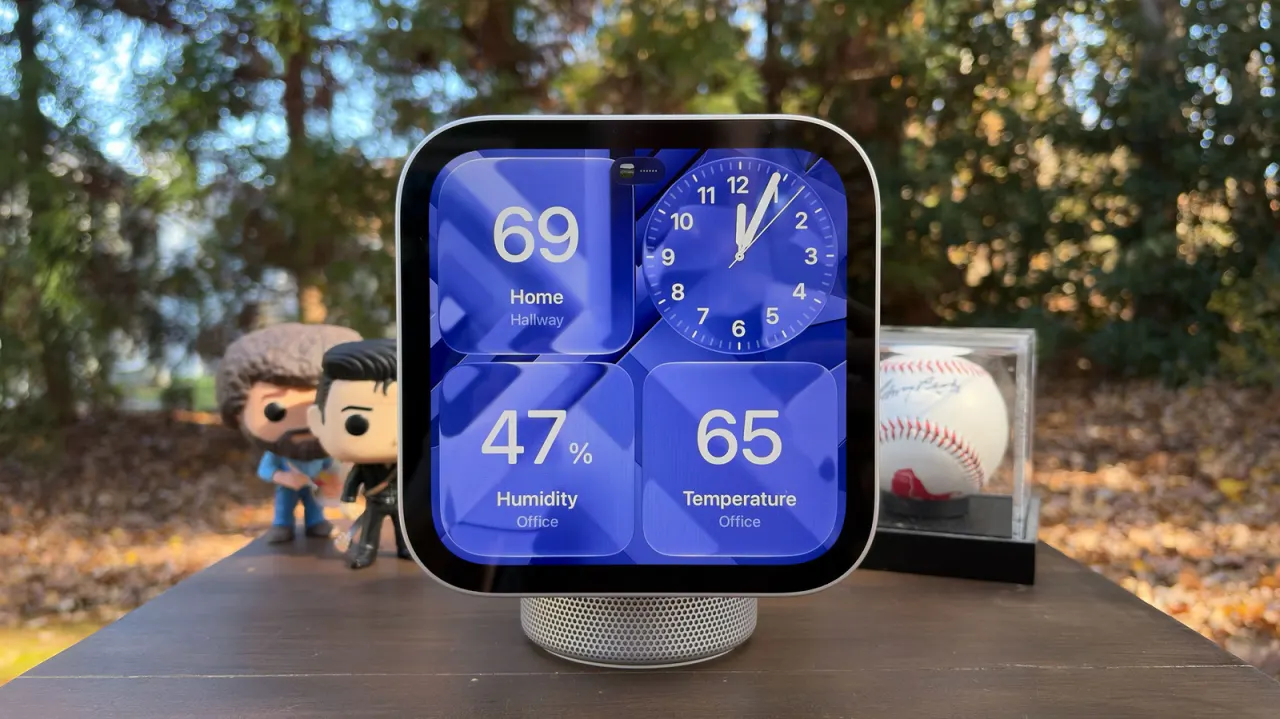
Apple’s new HomeView smart display is set up using an iPhone or iPad, which makes pairing straightforward. It mirrors compatible apps rather than running its own, and uses identity checks to let household members access personal content while aiming to protect privacy.
The mobile device needs iOS 27.2 or iPadOS 27.2, with Bluetooth and Wi-Fi enabled. Users can pair by bringing an unlocked device near the powered-on display, then choosing a home and room; if the automatic prompt does not appear, setup can be started through the Home app. HomeView may also need a software update, and users can configure Wi-Fi and Siri settings, allow personal content, and set up face and voice recognition.
In short
- HomeView pairs with an iPhone or iPad.
- It mirrors compatible apps instead of hosting them.
- Personal content requires identity authentication.
Explained simply
Apple HomeView is a smart display designed to work with compatible apps on an iPhone or iPad, rather than running apps independently. It is part of Apple’s Home setup, where devices can be assigned to a household and a room.
Apple’s phone and tablet software, Bluetooth and Wi-Fi are involved in connecting the display. Identity checks such as face or voice recognition can help household members reach their own content, while the device is intended to protect personal information.
The setup process matters because it determines how the display connects to the home network and which people and services can use it. This reflects a wider role for smart displays as shared household devices that may also show personal content.