Technology news and discussion on TalkFuse.
Replace a screen protector when damage affects clarity or touch response
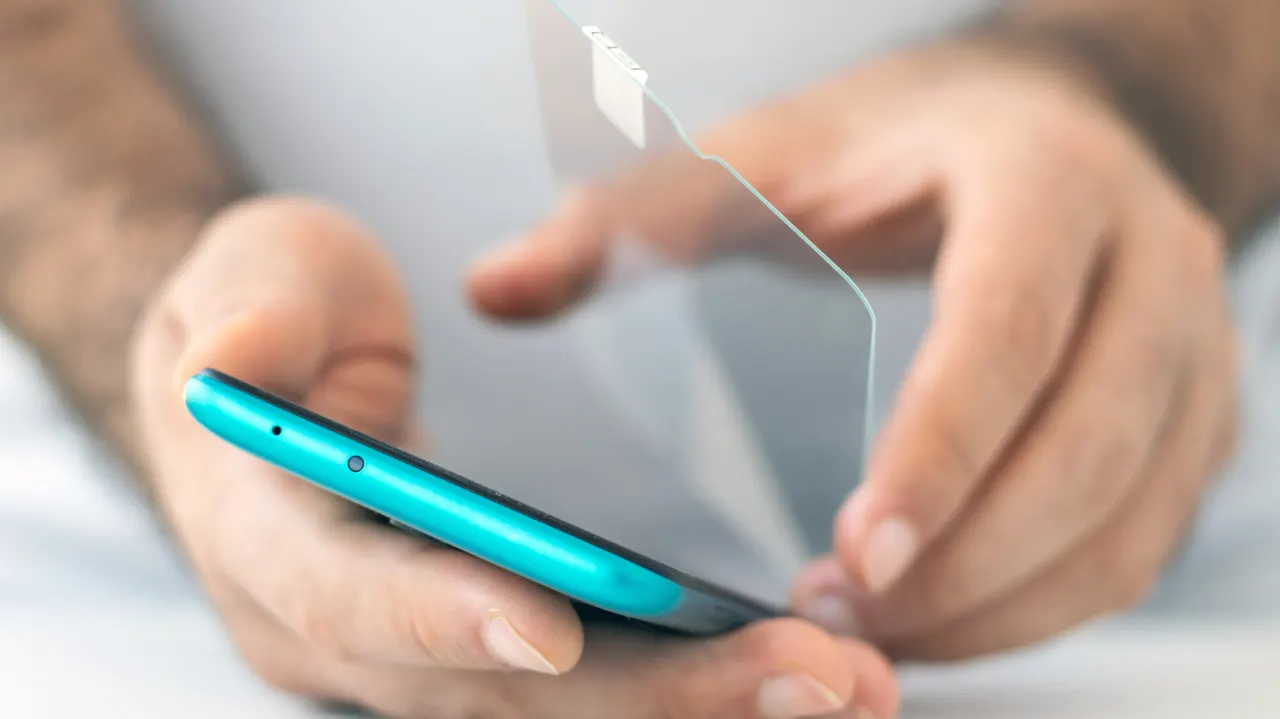
A phone screen protector should be replaced when it shows damage or starts to affect how the screen looks or responds. Cracks, peeling, bubbles, yellowing, haze, reduced touch sensitivity and persistent smudges can all indicate that it is wearing out and may no longer protect the phone as well.
There is no fixed replacement schedule: durability depends on the protector’s material, quality and how the phone is used. Clean it with a microfiber cloth, avoid abrasive materials and strong cleaners such as bleach or ammonia, and do not spray liquid directly on the phone. Extreme temperatures, pressure and poor installation can also contribute to damage; foldable phones should keep their factory-applied screen protector.
In short
- Replace protectors that crack, peel, yellow or affect touch response.
- Lifespan depends on the protector and how the phone is used.
- Clean with a microfiber cloth and avoid harsh chemicals.
Explained simply
A screen protector is a thin layer fitted over a phone’s display to help shield it from scratches and knocks. Protectors are commonly made from plastic or glass, and their durability depends on the material, quality and how the phone is used.
Damage such as cracks, peeling or bubbles can make a protector less effective, while haze or yellowing can make the display harder to see. Wear can also affect touch response, which matters because people use the touchscreen to operate apps, type and navigate their phones.
There is no set timetable for replacing a protector. Careful cleaning with a soft microfibre cloth can help, while harsh cleaners, pressure and extreme temperatures may damage it; foldable phones may have a factory-fitted protector that should be left in place.
Read the full article at the source →
Originally published by Engadget as “Signs it’s time to replace your phone’s screen protector”.