Technology news and discussion on TalkFuse.
Choose sleep for quick returns, shutdown or hibernation to unplug a mini PC
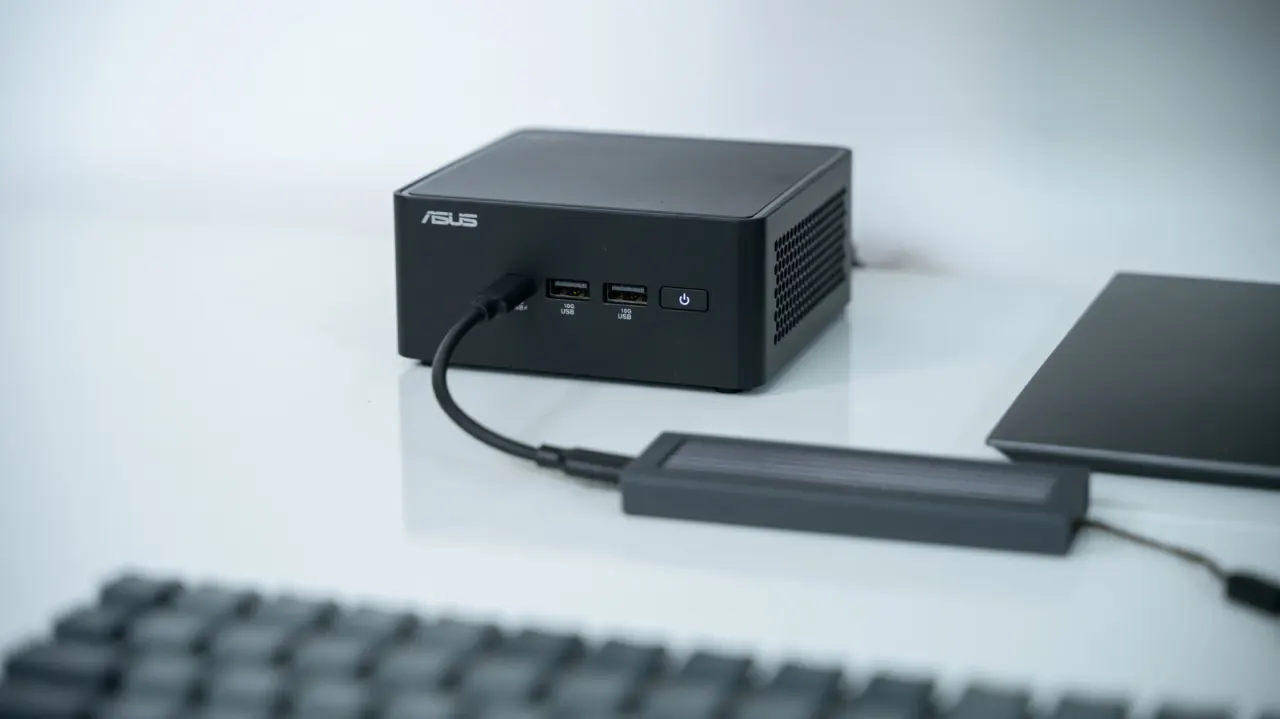
Sleep is usually the more convenient choice for a mini PC when you want to return to your work quickly: it resumes in seconds and keeps programmes open. Shutdown closes everything and takes longer to start again, but lets you disconnect the computer from power and can provide a fresh start.
Sleep typically uses about one to four watts, so its electricity cost is small for most households. Hibernation saves open programmes to disk before powering down, allowing the computer to be unplugged while preserving the session, though restoring it takes longer than waking from sleep. The article also says modern components are not harmed by ordinary sleep use, and estimates an idle mini PC draws around 10 to 15 watts.
In short
- Sleep is best for quick returns and keeping programmes open.
- Shutdown lets you unplug the mini PC.
- Hibernation preserves your session while powering down.
Explained simply
A mini PC is a small desktop computer, often used for everyday tasks such as browsing, work and media. Like other computers, it can keep a session ready to resume, save it before powering down, or close it completely.
Sleep keeps open programmes in memory, so the computer can usually resume quickly, but it still uses a little electricity. Hibernation saves the session to storage and powers down; shutdown closes programmes and starts afresh next time. These options matter when balancing convenience, power use and whether the computer can be disconnected from the mains.
Read the full article at the source →
Originally published by Engadget as “Sleep vs. shutdown: When to use these modes on your mini PC”.