Technology news and discussion on TalkFuse.
AudioRelay turns an Android phone into a Wi-Fi computer speaker
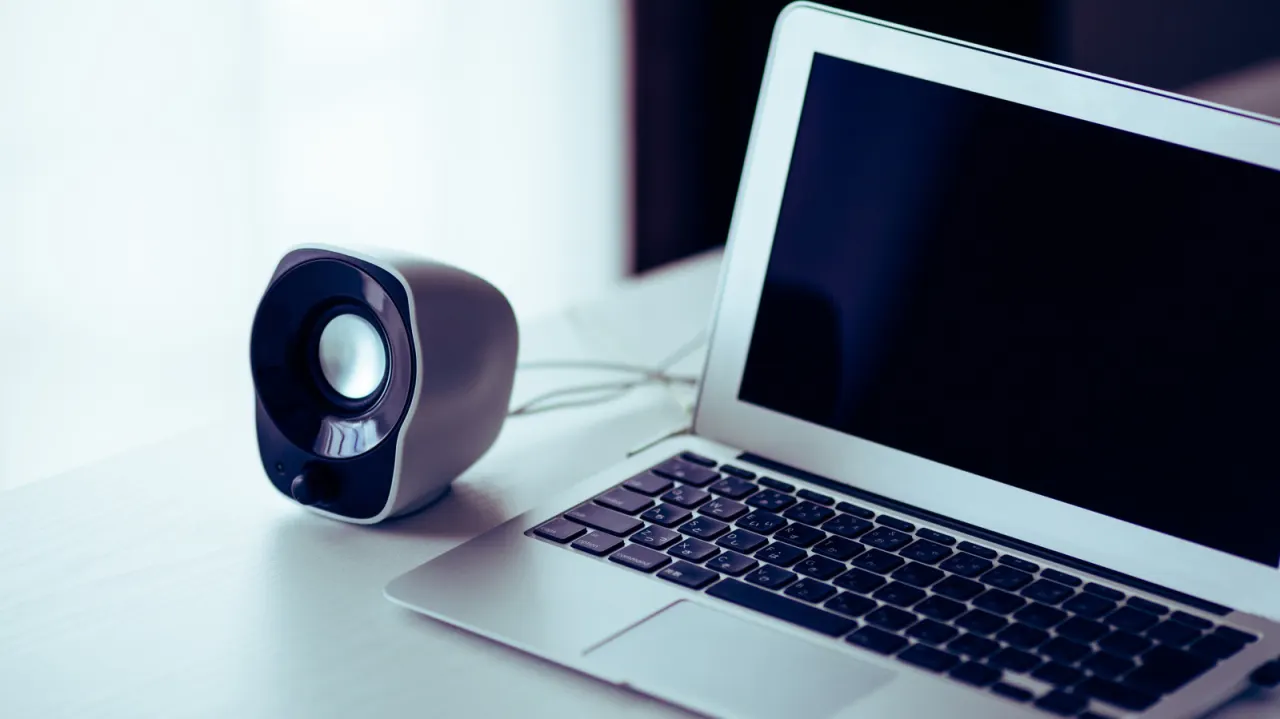
You can use an Android phone as a temporary speaker for a computer by streaming audio through the AudioRelay app. The method may help if a computer’s speakers stop working, and offers a way to reuse an old phone; it works over Wi-Fi rather than Bluetooth.
Install AudioRelay on both devices and connect them to the same Wi-Fi network, then select the computer from the phone’s app. The app supports Windows, Mac and Linux, though Mac requires the free BlackHole virtual audio device and an audio-output setting change. USB tethering can help with lag; a 5GHz Wi-Fi connection and buffer adjustments can also affect sound quality and delay.
In short
- AudioRelay streams computer audio to an Android phone over Wi-Fi.
- Both devices need the app and the same network.
- USB tethering may reduce lag and choppy playback.
Read the full article at the source →
Originally published by Engadget as “Can you use your Android phone as a computer speaker?”.