Technology news and discussion on TalkFuse.
Samsung setting removes status and navigation bars from screenshots
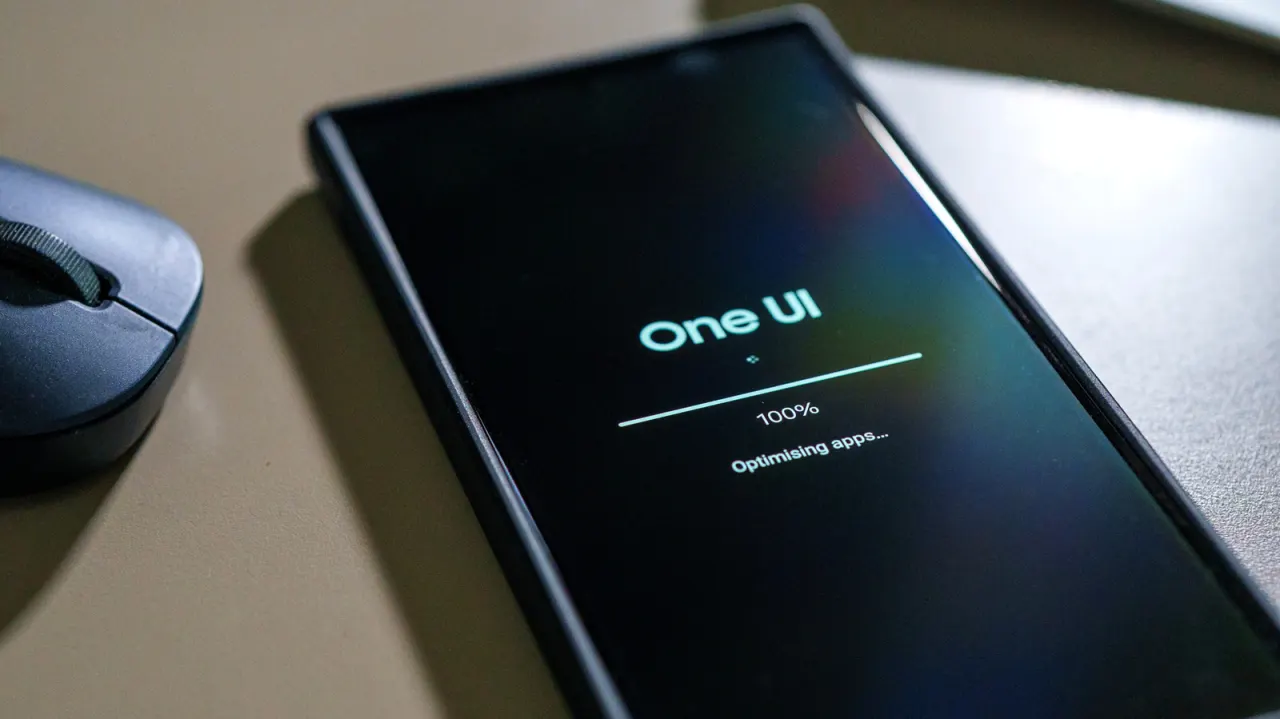
Samsung Galaxy phones include a setting that automatically removes the status and navigation bars from screenshots. It can make shared images and guides look cleaner by hiding details such as the time, battery level and signal indicators.
The option is called “Hide status and navigation bars” and is under Advanced features, in Screenshots and screen recorder. It applies to screenshots taken with either the button combination or a swipe gesture, and can be switched off when those bars are needed. The phone crops the bars out rather than expanding the image, so screenshots may fit differently in layouts.
In short
- Samsung can automatically crop bars from screenshots.
- Find the toggle under Advanced features.
- The cropped images may have a different aspect ratio.
Read the full article at the source →
Originally published by Engadget as “The overlooked Samsung One UI setting that cleans up your screenshots”.