The pros and cons of using an all-in-one desktop computer
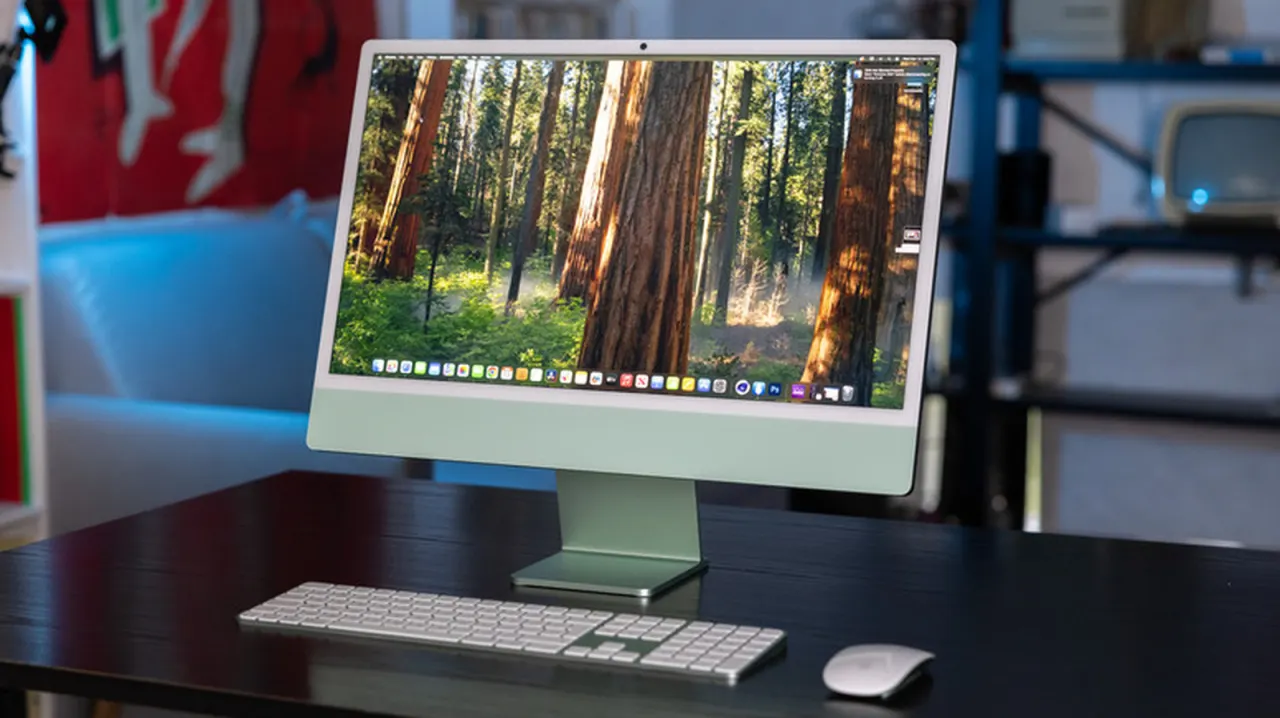
All-in-one computers combine a monitor and computer in one unit, offering a tidy, simple setup with fewer cables and less desk space than a traditional desktop. They can suit people who mainly browse, work on documents or make video calls, but their compact design limits hardware upgrades and can make repairs more difficult and costly.
Many models come ready to use with a keyboard and mouse, and are easier to move than a separate tower and monitor, though they are not as portable as laptops. Upgrade options vary: some allow more memory or storage, while processors and graphics cards are generally difficult or impossible to replace. People who game, edit video or want to extend a computer’s life through upgrades may find a traditional desktop more suitable.
In short
- All-in-ones offer a simple, space-saving desktop setup.
- Their compact design limits upgrades and complicates repairs.
- Choose based on workload, budget and future flexibility.
Steelman: both sides, in good faith
The strongest fair case each way — we don't pick a winner.
The case for
An all-in-one can be a sensible choice for people who value a clean, compact workspace and want a computer that is straightforward to set up. For everyday tasks such as browsing, documents and video calls, its convenience may matter more than the ability to upgrade individual components.
The case against
A traditional desktop can offer better long-term flexibility because its separate parts are generally easier to upgrade or repair. That can matter to people who need stronger performance for gaming or video editing, or who want to extend the computer’s useful life without replacing the whole unit.
Explained simply
An all-in-one computer houses the computer itself inside its screen, unlike a traditional desktop, which has a separate tower and monitor. It usually needs fewer cables and takes up less desk space, and many models come with a keyboard and mouse.
These computers can handle everyday tasks such as browsing the internet, writing documents and making video calls. Their compact design can make some repairs harder and upgrades more limited, though options for adding memory or storage vary by model.
The choice matters for people weighing a simple, tidy setup against flexibility over time. A separate desktop may suit those who need stronger graphics or want to replace parts such as the processor or graphics card; an all-in-one may be enough for less demanding use.