The reasons Siri may not work on CarPlay
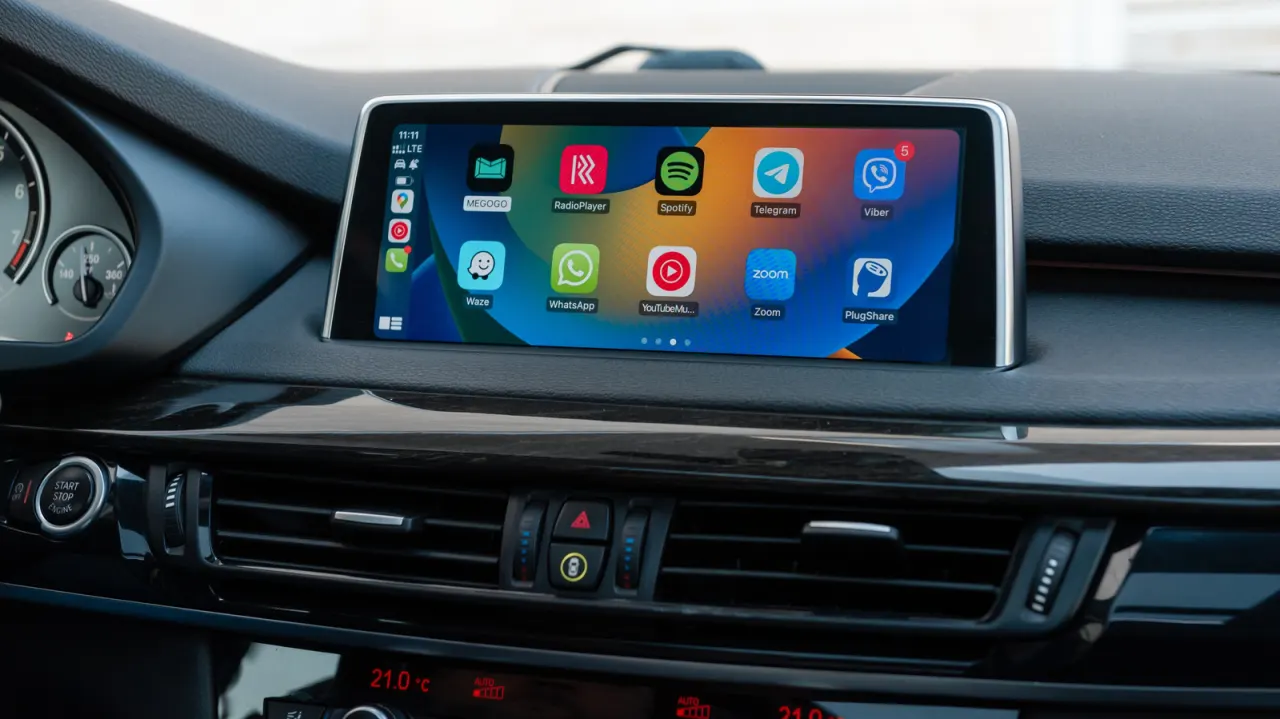
CarPlay users experiencing an unresponsive or muted Siri may be blaming the wrong culprit, as the fault often lies with iPhone settings, the CarPlay connection, or the car's own infotainment system rather than Siri itself. Working out which component is at fault can save drivers from unnecessarily tinkering with settings that were never broken in the first place, and Apple has offered guidance on how to methodically diagnose the problem.
Troubleshooting should start with the phone, checking Siri's voice activation settings under Apple Intelligence & Siri, since features can be disabled when the handset is locked or restricted via Screen Time controls. Connectivity is another common cause, as Siri requires an internet connection and can be disrupted by certain VPN profiles, so testing Siri directly on the iPhone away from CarPlay helps isolate the issue. Wired connections may need a different cable or USB port, while wireless CarPlay depends on both Bluetooth and Wi-Fi with Auto-Join enabled; Apple also recommends restarting devices, re-pairing the car, and checking for infotainment firmware updates. Separately, apparent silence from Siri can simply be a volume issue, which can be fixed via the car's volume controls or the "Prefer Spoken Responses" option in Siri settings.
- Siri issues on CarPlay often stem from phone, connection or car settings, not Siri.
- Check iPhone's Siri activation settings and internet/VPN connectivity first.
- Wired/wireless connection fixes and volume settings can also resolve the issue.
New here? Start with this
Siri normally lets drivers using Apple's CarPlay system give voice commands and hear spoken replies through the car's speakers, hands-free. When something goes wrong and Siri stops responding or falls silent, it is easy to assume Siri itself is broken, but the cause is often somewhere else in the chain connecting the iPhone to the car.
The setup involves several separate parts that all need to work together: the iPhone's own settings, the wired or wireless link between the phone and the car, and the car's built-in infotainment display. A fault in any one of these can look like a Siri problem, even though Siri is functioning normally once you reach it directly on the phone.
This matters because misdiagnosing the issue can lead drivers to fiddle with settings that were never at fault, without fixing the actual problem. Apple has set out steps for narrowing down the cause, covering areas such as phone settings, internet connectivity, cables, Bluetooth and Wi-Fi connections, and volume controls.