What happens when you run the Windows Memory Diagnostic tool?
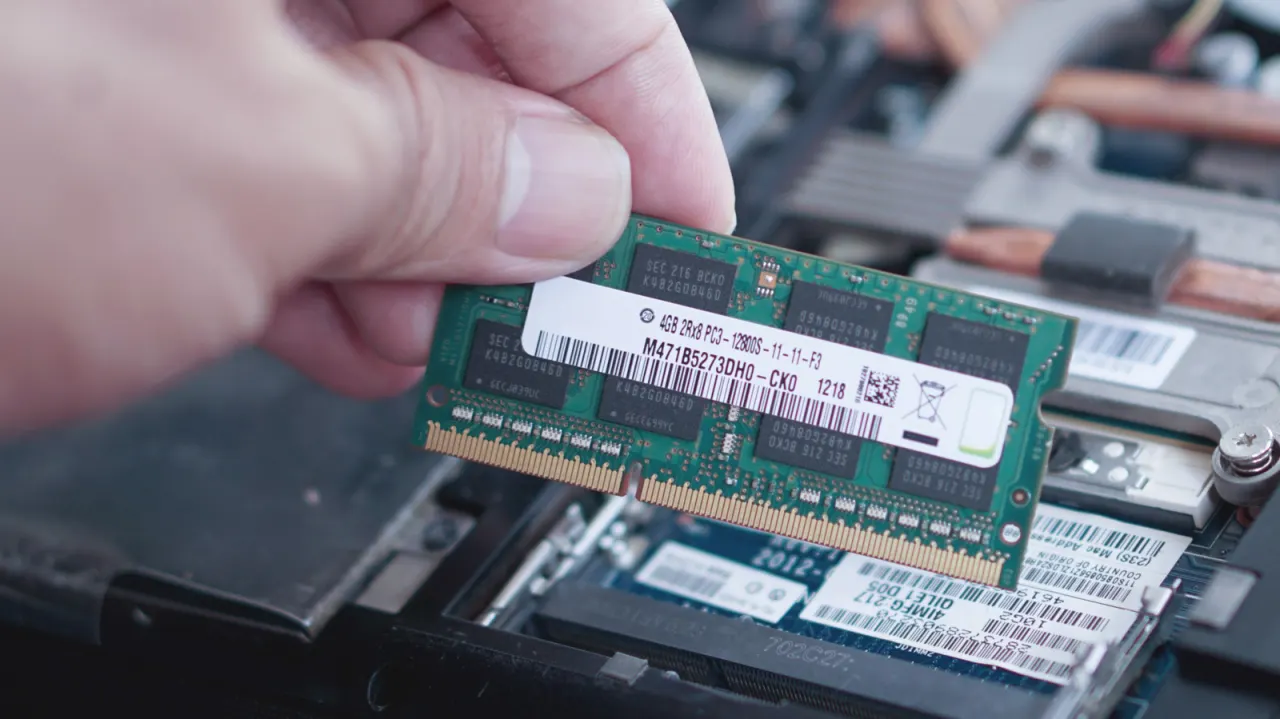
Windows includes a built-in Memory Diagnostic tool that lets users check their RAM for faults without needing a technician, which can be useful given that memory problems often cause crashes, slowdowns and the "Blue Screen of Death". Since RAM handles data the processor needs quick access to, testing it directly can help identify whether hardware faults, rather than software issues, are behind performance problems.
The tool can be launched by searching "Windows Memory Diagnostic" in the Start Menu or by running "mdsched.exe", after which the PC restarts and tests memory outside the normal Windows environment by repeatedly writing and reading data to check for errors. Users can press F1 during the test to choose between Basic, Standard and Extended modes, and can set the test to repeat up to 15 times for a more thorough check. Once complete, the computer restarts normally, and results — which don't always display automatically — can be found via the Windows Event Viewer by filtering the System log for "MemoryDiagnostics-Results".
In short
- Windows has a built-in RAM diagnostic tool called Windows Memory Diagnostic
- Run it via Start Menu search or by typing mdsched.exe
- Results appear in Event Viewer under the System log, not automatically
Explained simply
Windows Memory Diagnostic is a tool included with Microsoft Windows that checks a computer’s RAM, or working memory. RAM holds information the processor needs quickly while programmes are running, and faults in it can cause crashes, slow performance or system errors.
The test runs after the computer restarts, outside the usual Windows session, and checks memory by writing and reading data. Its results can help indicate whether a problem may involve faulty memory hardware, though they do not by themselves identify every possible cause of a computer problem.
Art Business Culture Geopolitics Markets Politics Software Technology