What is Android System Intelligence and what happens if you turn it off?
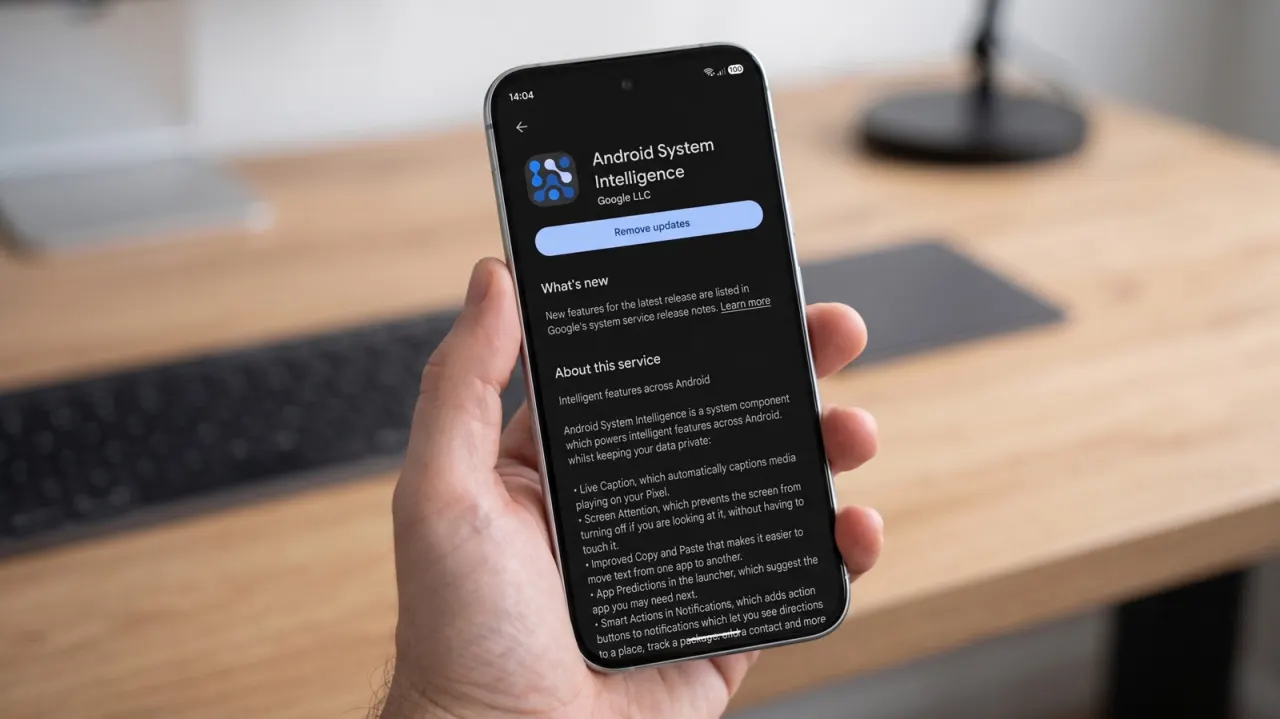
Android System Intelligence is a Google system component that powers contextual Android features such as Live Caption, Now Playing, smart notification actions and copy-and-paste suggestions. Disabling it should not stop a phone’s essential functions, but it can remove useful background features, so Google’s more targeted privacy and troubleshooting controls are generally preferable.
The component runs through Android’s Private Compute Core, whose machine-learning services do not directly access the internet; Private Compute Services handles necessary network requests. It may use permissions including contacts access for suggestions, while Google says usage and diagnostics collection can be switched off; its current support page does not explain potential location requests. It is separate from Gemini Nano, which uses Android’s AICore service, and Google Play lists Android System Intelligence as having more than five billion downloads.
- It powers many optional Android convenience features.
- Disabling it keeps core phone functions working.
- Restrict individual features or permissions first.
Both sides, in good faith
The strongest fair case each way — we don't pick a winner.
The case for
Keeping Android System Intelligence enabled can be justified because it supplies practical, often accessibility-enhancing features such as Live Caption, music recognition and smarter notification actions without being necessary for the phone’s basic operation. Its use of Android’s Private Compute Core is intended to process sensitive contextual data locally rather than expose it directly to the internet, while separate controls can limit usage and diagnostic collection. For users who value convenience, accessibility and personalised assistance, retaining it preserves useful functionality with privacy safeguards designed into the system.
The case against
Disabling Android System Intelligence can be justified by users who prefer to minimise background software that analyses personal context, particularly where permissions may include contacts access and documentation does not clearly account for possible location requests. Even if much processing is local and Google provides some controls, privacy-conscious users may reasonably favour a simpler, more auditable set of services and accept the loss of optional features. They may also regard disabling it as a sensible troubleshooting step when investigating battery, performance or unwanted suggestion issues.