What is Roku’s secret menu and how do you unlock it?
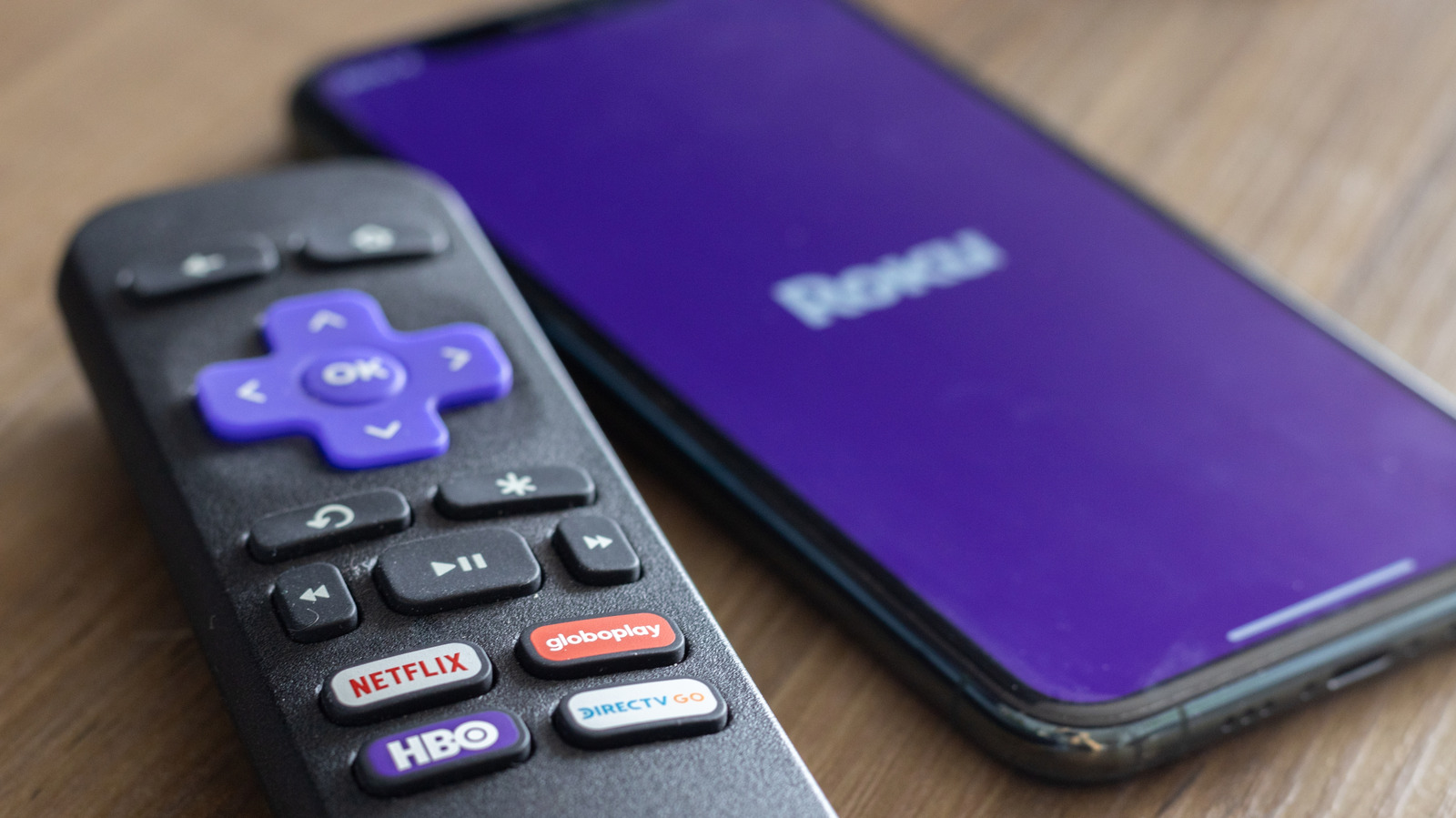
Roku devices contain a series of hidden diagnostic and settings menus that go beyond the standard home screen, accessible only by entering specific button sequences on the remote or the mobile app. These "secret menus" let users sideload apps, troubleshoot network issues, check hardware performance and even factory reset the device, offering more advanced control than the regular interface provides.
Among the most useful is the developer menu, unlocked with Home ×3, Up ×2, Right, Left, Right, Left, Right, which allows app sideloading and access to developer tools. Other combinations open network and wireless diagnostics, an ad-preferences screen, a platform menu showing memory use and device temperature, HDMI settings, a channel/app info screen, and a reset-and-update screen for factory resets and software updates. Each menu serves a practical purpose, from fixing lagging connections to resolving crashing apps, and all are accessible using just the standard Roku remote or its companion smartphone app.
- Roku has several hidden menus unlocked via remote button combinations.
- They cover developer tools, network diagnostics, HDMI, ads and resets.
- Useful for troubleshooting crashes, lag and other performance issues.