What is the star button for on your Roku remote?
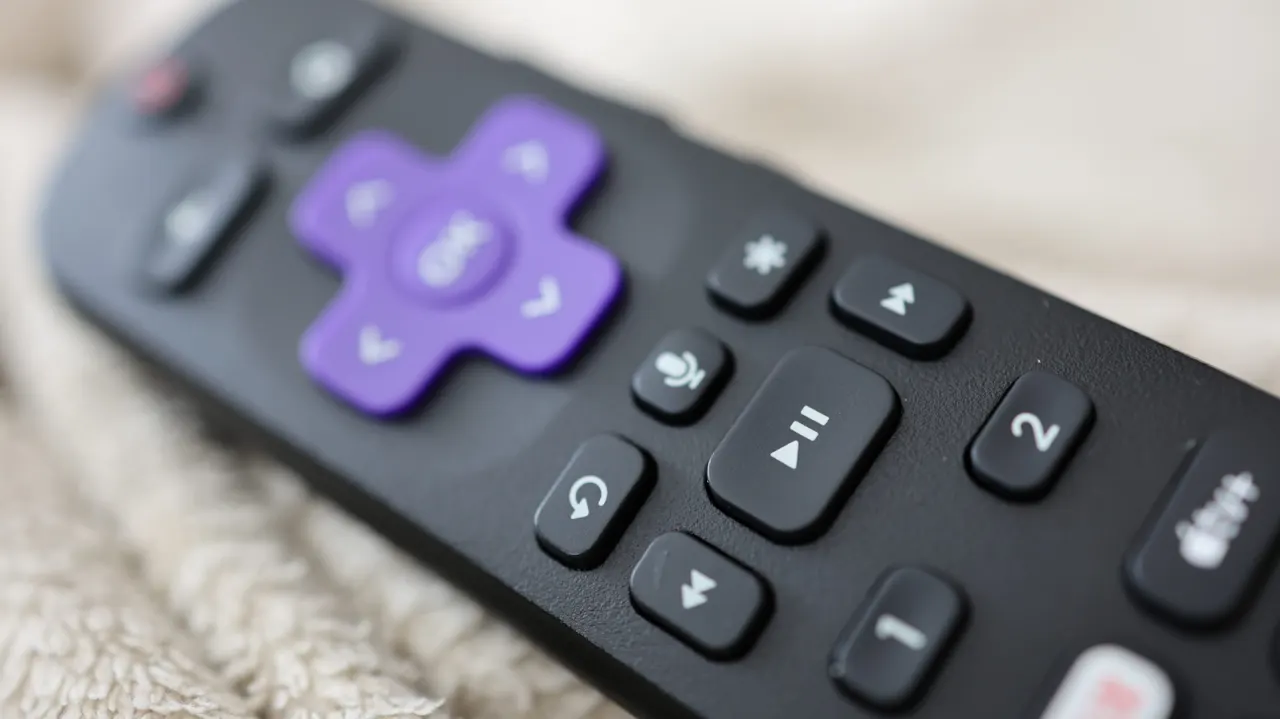
Roku’s star button acts as a context-sensitive options key, with its function changing depending on what is selected or playing. It gives users quick access to device controls and accessibility features, though the available choices differ between Roku TVs and streaming boxes.
On the home screen, it can offer channel management options such as moving, removing, rating or updating an app; in Quick Access, it only offers removal. On a Roku TV, it can open picture, sleep timer, caption and volume settings during playback, while highlighting an external device lets users rename it. On supported devices in the United States, pressing the button four times quickly toggles the text-to-speech screen reader.
- The star button’s function depends on what you are doing.
- It provides app, playback and device options.
- Four quick presses can toggle the screen reader on supported devices.