What’s the difference between Thunderbolt 4 and 5?
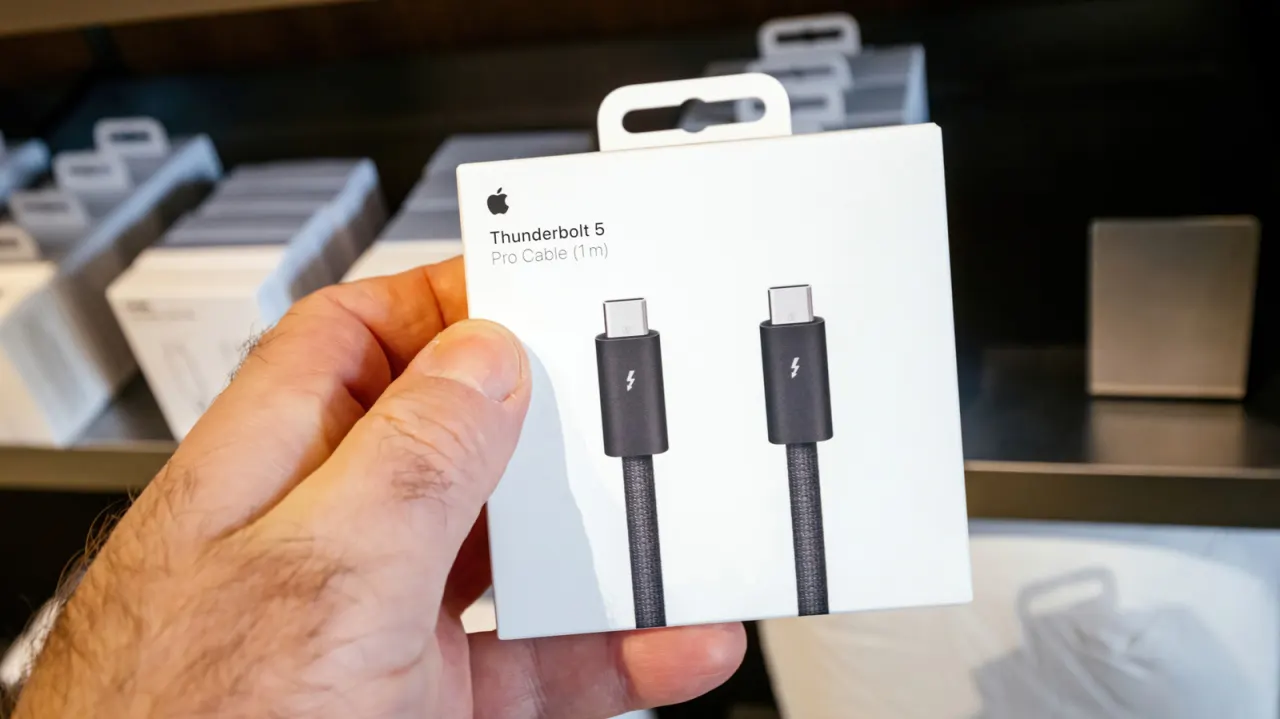
Thunderbolt 5 is a new connection standard that offers significantly faster data transfer and greater power delivery than Thunderbolt 4, but the upgrade is aimed squarely at creators, serious gamers and IT professionals rather than everyday users. Both standards share the same USB-C connector and support data, video and power over a single cable, and Thunderbolt 5 remains backwards compatible with Thunderbolt 4, 3 and USB4 devices, meaning most people will not need to rush to upgrade.
Thunderbolt 5 can allocate up to 120Gbps in one direction and 40Gbps in the other, roughly doubling Thunderbolt 4's bidirectional bandwidth, and supports up to 240 watts of power delivery compared with Thunderbolt 4's 100W via Apple's cables. This extra headroom benefits demanding setups such as multiple high-resolution or high-refresh-rate displays, fast external SSDs and advanced docking stations, though real-world gains depend on other hardware and software factors. Apple's Thunderbolt 5 Pro cable is shorter (one metre) and cheaper ($69) than its Thunderbolt 4 equivalents, which use active circuitry to support longer lengths. For typical laptop, single-monitor or standard peripheral use, Thunderbolt 4 remains more than adequate.
- Thunderbolt 5 doubles data speed and boosts power delivery over Thunderbolt 4
- It targets creators, gamers and IT users with demanding, high-res setups
- Thunderbolt 4 remains sufficient for most everyday computing needs
New here? Start with this
Thunderbolt is a connection standard that lets a computer send data, video and power through one USB-C cable. Thunderbolt 4 and 5 use the same shaped connector, but the number describes the capabilities of the connection, not the plug.
Thunderbolt 5 can move more data and supply more power than Thunderbolt 4, which can help with setups using several demanding monitors, fast external storage or advanced docking stations. The benefit depends on the other devices and software involved, and Thunderbolt 5 can connect to older Thunderbolt and USB4 devices.
For everyday tasks, such as using a laptop with one monitor and standard accessories, Thunderbolt 4 is generally sufficient. The newer standard is more relevant to people whose work or gaming setups need the extra capacity.