Why your USB device keeps disconnecting (and how to fix it)
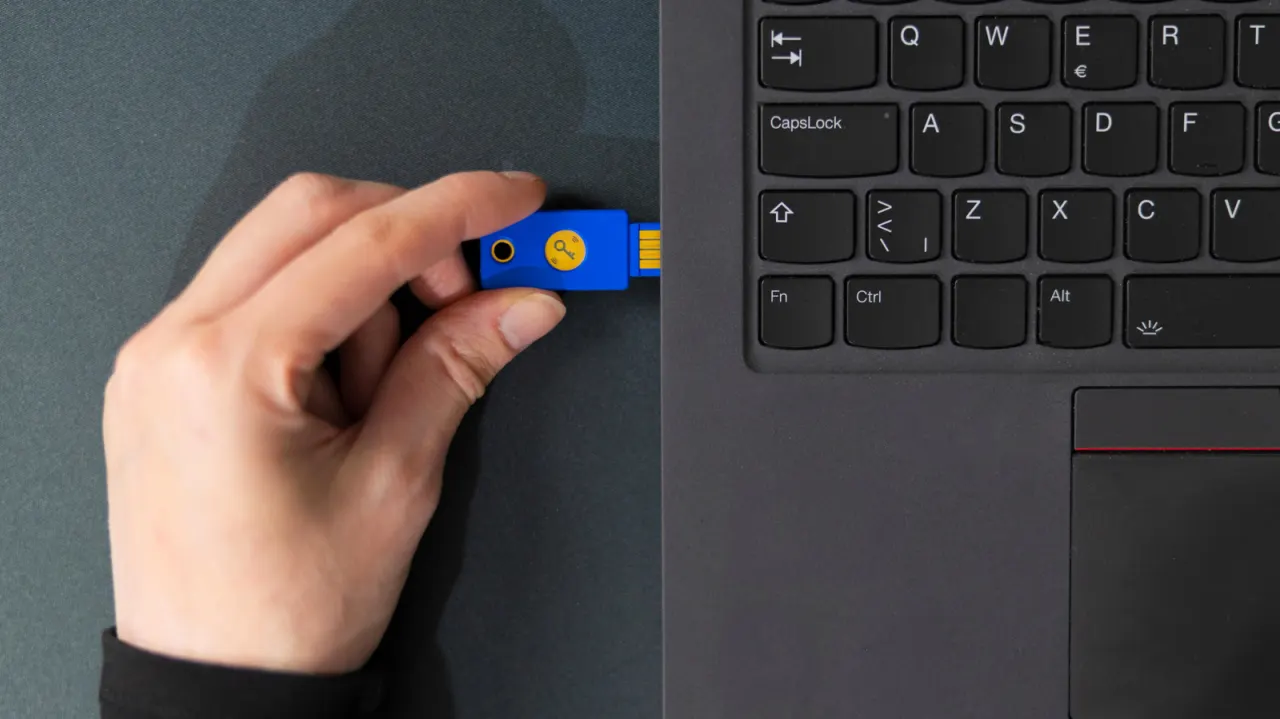
USB devices that repeatedly disconnect can disrupt input, video and file transfers, and the cause may be the accessory, cable, port, hub or computer. The article recommends ruling out simple hardware problems first, then checking whether Windows power settings or drivers are responsible.
Restart the computer, try the device in another port and test a different device in the suspected port. Inspect connectors and cables for damage, clear port debris carefully, bypass any hub and consider a powered hub for devices that need more power. On Windows, disabling USB power-saving options may help, though Microsoft recommends leaving selective suspend enabled; updating USB drivers is another option.
- Start by restarting and isolating the faulty device, port or cable.
- Check hubs, debris and damaged connectors.
- Windows power settings may switch USB ports off.