What’s the difference between WAN and LAN?
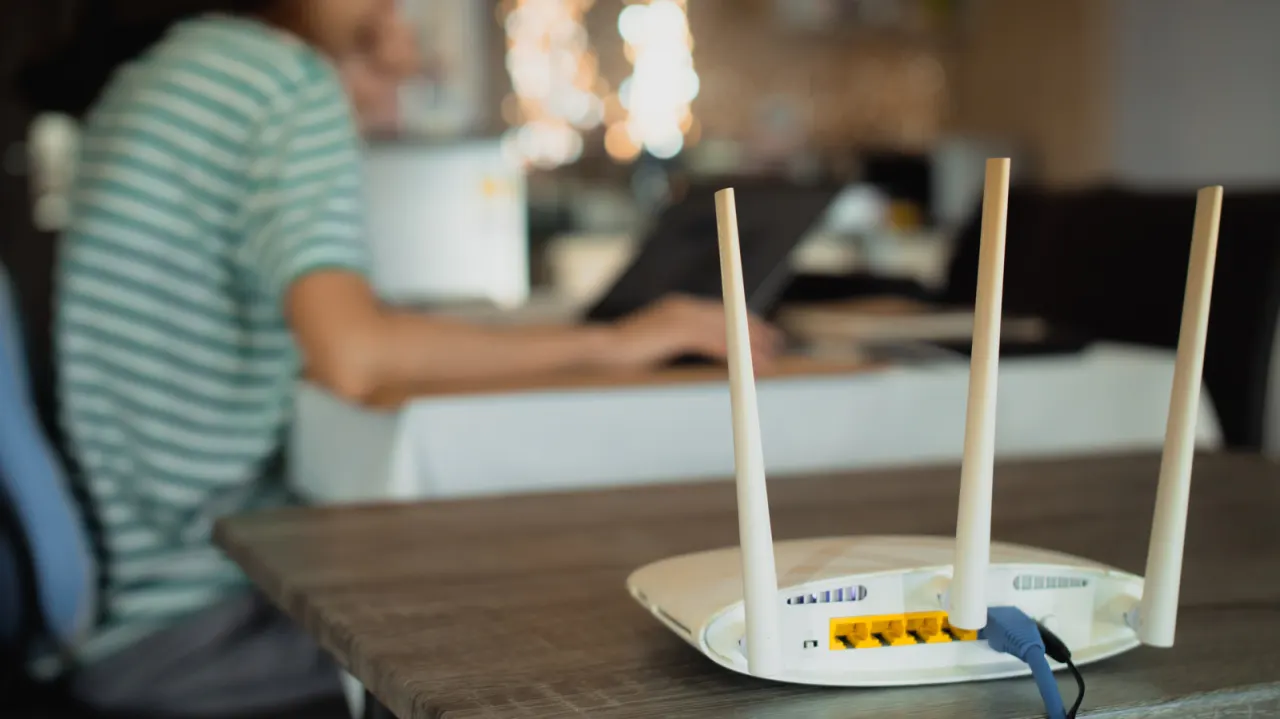
An Engadget explainer breaks down the difference between WAN and LAN ports on home networking equipment, a distinction that becomes important when setting up a router or wiring devices such as TVs, games consoles and PCs for a faster, more stable connection. Plugging a device into the wrong port can leave it unable to reach the internet, so understanding which socket does what helps avoid basic setup problems.
LAN (Local Area Network) ports connect devices within the home so they can communicate directly with each other, underpinning features like AirPlay, Google Cast and screen mirroring, while the WAN (Wide Area Network) port is the single link to the internet, where the ISP's cable plugs in and the router negotiates an internet connection. The router bridges the two by assigning private IP addresses to LAN devices while itself receiving an address from the ISP; port order among multiple LAN sockets usually doesn't matter, though some routers offer faster LAN ports worth checking in the manual. Wi-Fi essentially extends the LAN wirelessly, which is why devices stay connected to each other even if the internet goes down, and many routers offer an isolated guest Wi-Fi network that allows internet access without exposing other local devices, a useful security safeguard given that flaws are often found in things like networked printers.
- WAN port connects your router to the internet via your ISP
- LAN ports link devices within your home network to each other
- Wrong port choice can leave a wired device without internet access
New here? Start with this
A home network links devices such as computers, televisions and games consoles so they can share data and services. A router manages this network and connects it to the internet through a cable from an internet service provider.
The router’s local network ports connect wired devices to each other, while its wide area network port links the router to the provider’s service. Wi-Fi extends the local network without cables, so devices may still communicate with one another if the internet connection is lost.
Knowing which port does which can help when setting up a router or troubleshooting a connection. Some routers also offer a separate guest network, which can give visitors internet access without connecting them to devices on the home network.