What’s the difference between your iPhone’s Do Not Disturb and Focus modes?
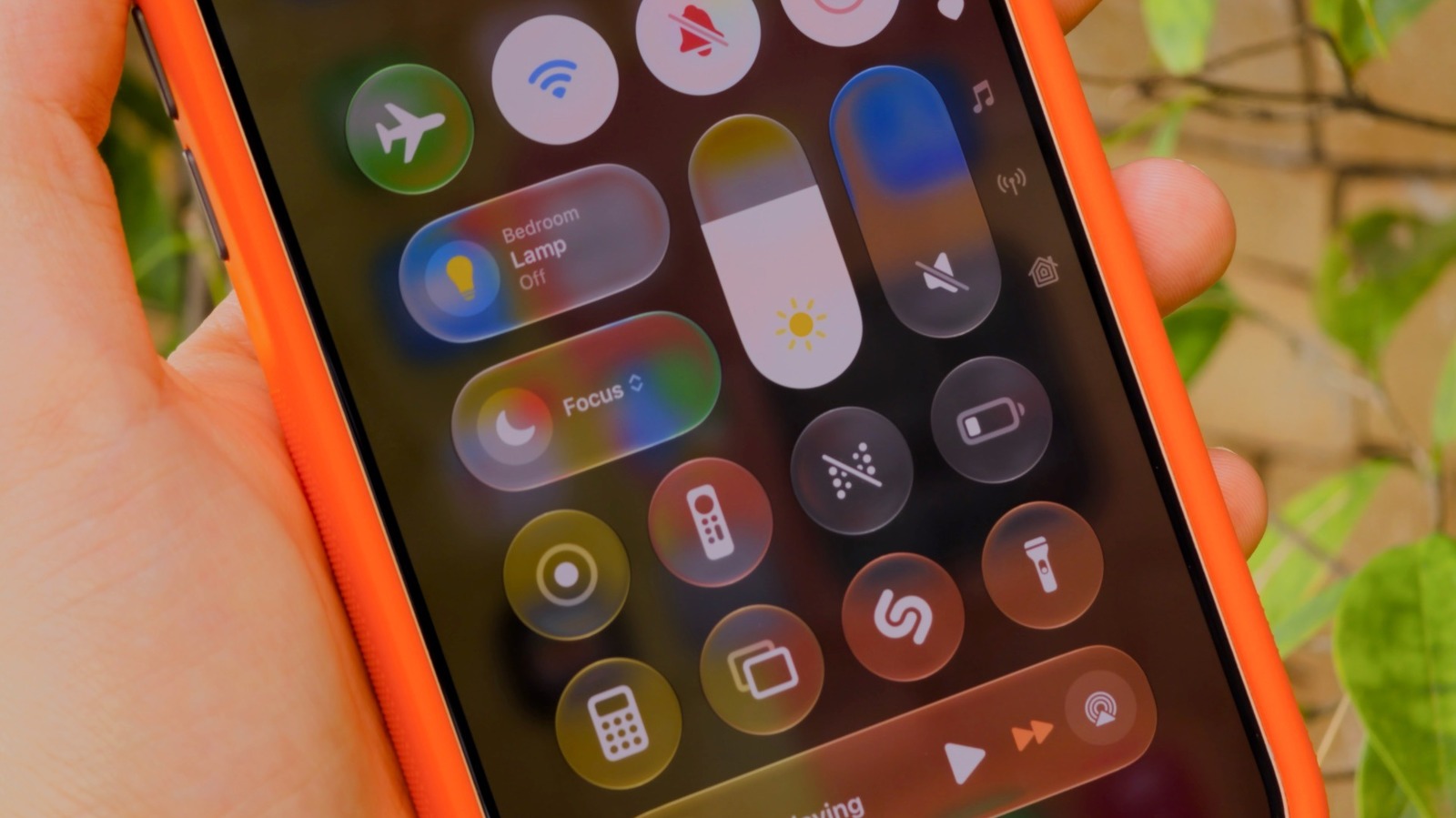
Apple's iPhones offer three distinct ways to manage notifications: silent mode, Do Not Disturb, and Focus modes, each suited to different situations. Understanding the differences matters because many users rely solely on basic silencing, missing out on more tailored options that let important alerts through while blocking distractions during work, sleep or driving.
Silent mode simply mutes sound while notifications still display; Do Not Disturb, introduced with iOS 6, blocks all banners, calls and alerts outright; Focus, added in iOS 15, builds on this by letting users customise which apps and contacts can break through during specific modes such as Work, Personal or Sleep. These are managed via Control Centre or Settings > Focus, where users can allow time-sensitive alerts, apply filters, and set automatic triggers such as CarPlay connection for Driving or a Health app sleep schedule for Sleep. Devices with Apple Intelligence also offer a "Reduce Interruptions" Focus that uses AI to judge which notifications matter, and users can create entirely custom Focus modes from scratch.
- iPhones offer silent mode, Do Not Disturb and Focus for notifications
- Focus modes let you customise alerts by app, contact and situation
- Apple Intelligence adds an AI-driven "Reduce Interruptions" Focus option