Technology news and discussion on TalkFuse.
USB-A’s letter identifies its connector shape, not its capabilities
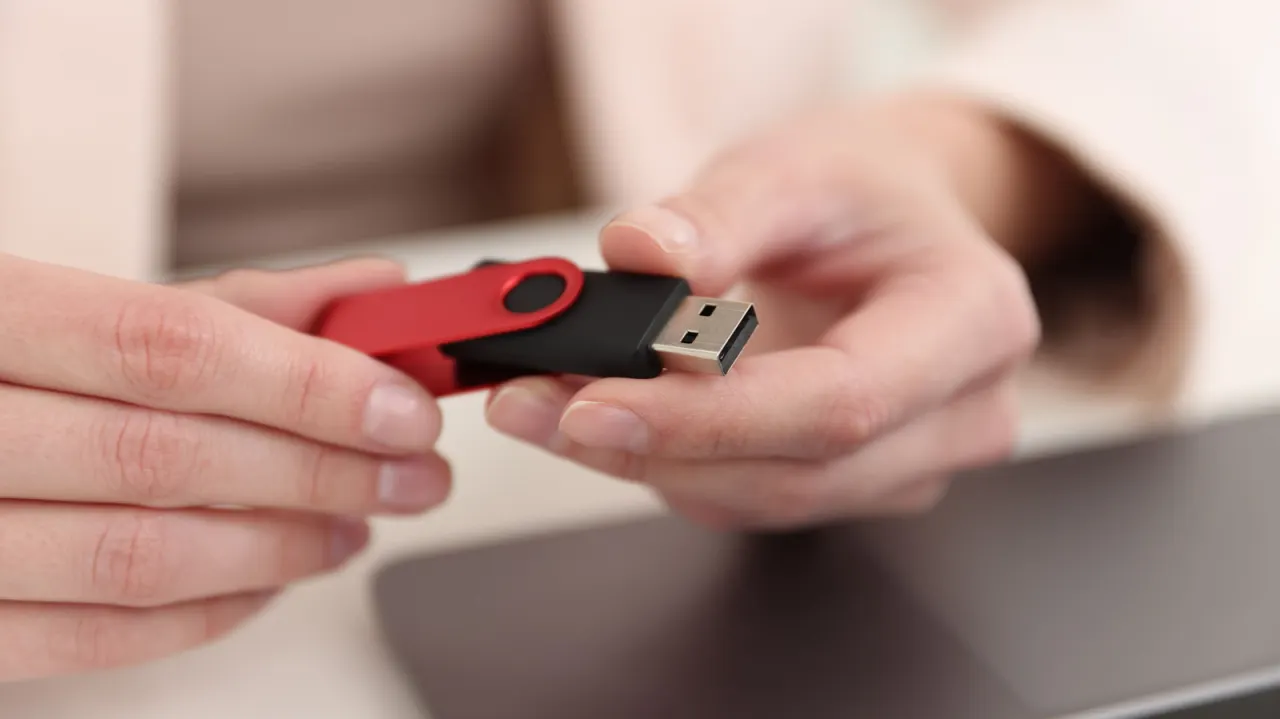
The ‘A’ in USB-A is simply the designation for Type-A, the familiar rectangular connector; it has no special hidden meaning. The label identifies the physical connector, while the USB standard and port specifications determine what it can do.
USB-A ports can support data rates from USB 2.0’s maximum of 480 Mbps to 5 or 10 Gbps, and the connector alone does not reveal charging or data capabilities. Port symbols, specifications and device manuals can help identify performance, while colour is not a reliable universal guide. USB-C is becoming more common because it is smaller, reversible and supports newer standards, but existing USB-A devices remain useful with compatible ports or adapters.
In short
- ‘A’ identifies the rectangular Type-A connector.
- USB-A performance varies by port and cable.
- USB-C is growing, but USB-A remains useful.
Explained simply
USB is a set of standards for connecting devices and transferring data or power. USB-A is the name for the familiar rectangular connector shape; the “A” does not describe a particular speed or charging ability.
The USB standard and the specifications of a port determine what it can do. USB-A ports may support different data speeds and power levels, so symbols, device specifications and manuals are more useful guides than connector shape or colour.
USB-C is a smaller, reversible connector used by many newer devices. USB-A equipment is still widely usable, either through matching ports or compatible adapters.
Read the full article at the source →
Originally published by Engadget as “What’s the meaning of the “A” on your USB-A ports?”.