Why your AirPods keep disconnecting without warning: These settings can fix it
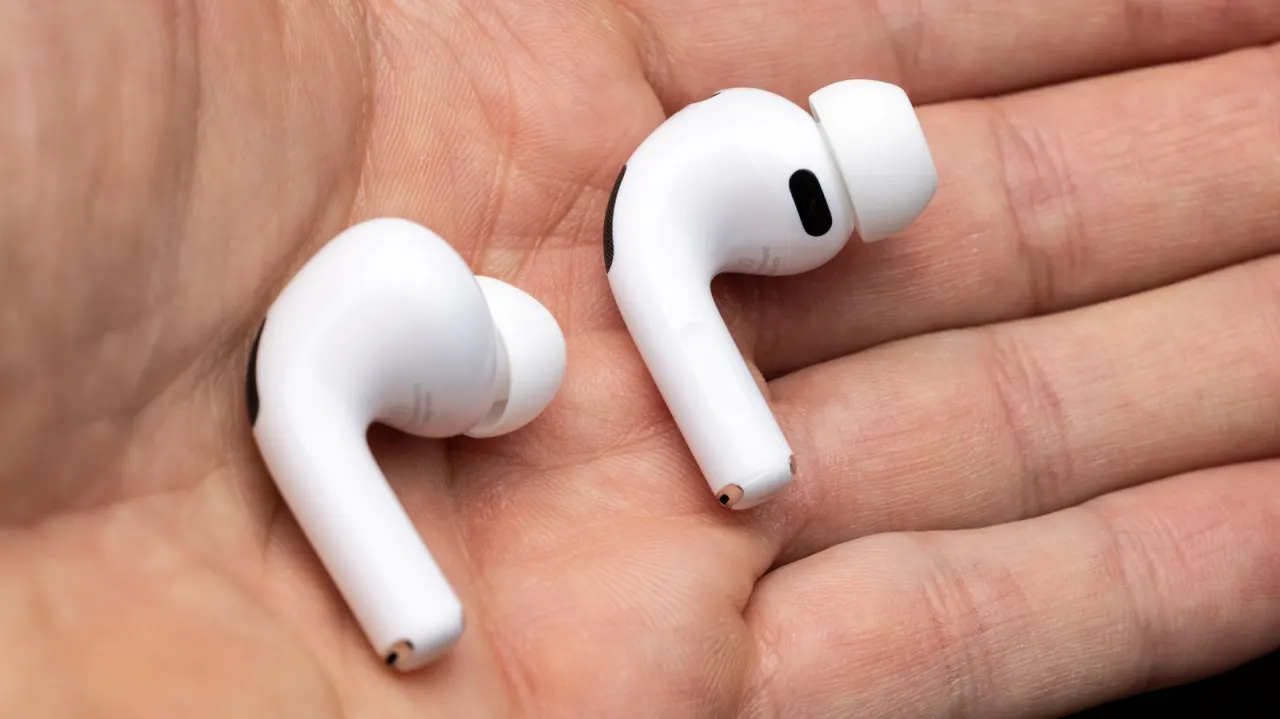
AirPods that seem to disconnect may instead be switching automatically between an iPhone, iPad and Mac. The article recommends checking connection settings across devices first, since changing them can stop unwanted switching without replacing the earbuds.
Set “Connect to this [device]” to “When Last Connected” on devices you use less often, while leaving it on Automatic for your main device. Other possible causes include faulty Automatic Ear Detection, poor fit or dirty earbuds and case, network problems affecting streams, Bluetooth or Wi-Fi interference, and Siri interrupting playback.
In short
- Automatic switching between Apple devices can mimic disconnections.
- Set secondary devices to connect only when last used.
- Fit, dirt, interference and Siri can also interrupt audio.
Explained simply
AirPods can pair with several Apple devices, including an iPhone, iPad and Mac. Their automatic switching feature is designed to move the audio to whichever device you are using, but it can make playback seem to stop unexpectedly.
The connection options on each device affect when that switch happens. Fit, dirt, wireless interference and problems with audio detection or streaming can also affect playback, so a pause or apparent disconnection may have more than one cause.
These settings matter because they can help explain the behaviour before someone assumes the earbuds need replacing. AirPods are part of Apple’s wider device ecosystem, where features such as automatic switching are intended to make moving between devices easier.