Instagram reposts help creators reach followers and keep shared posts on profiles
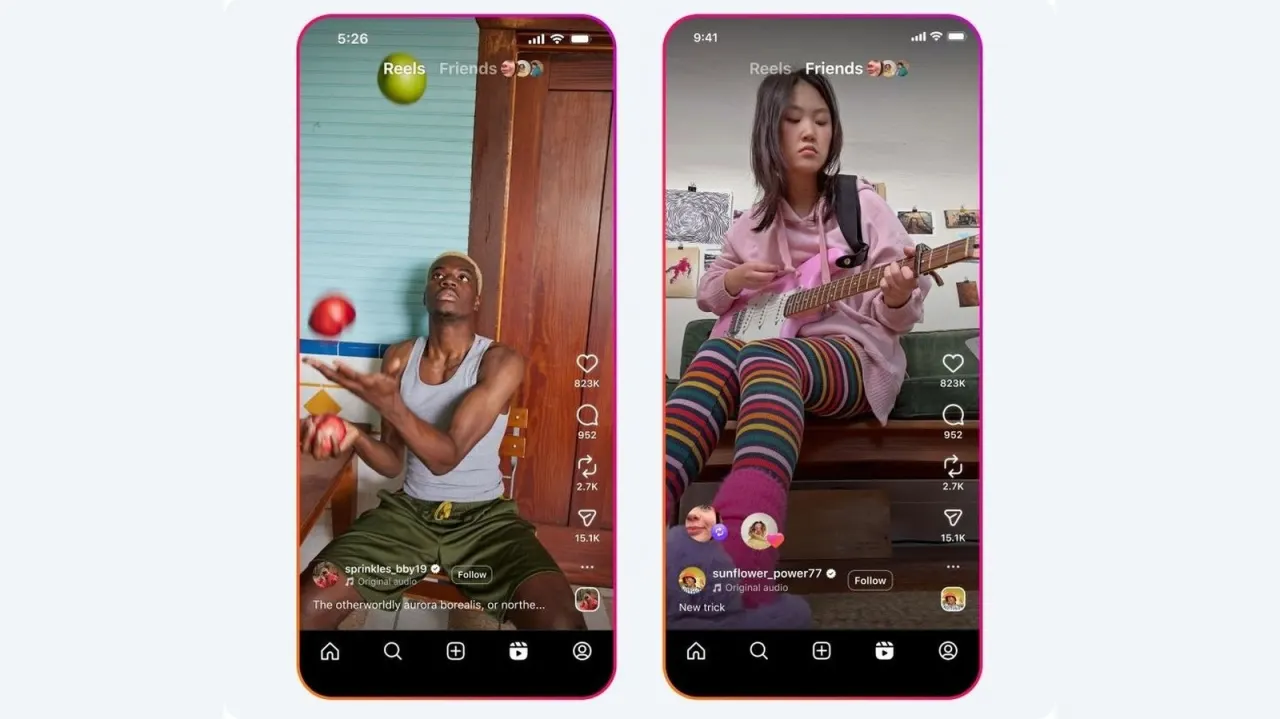
Instagram reposting lets users share public posts and reels with their followers while keeping the content linked to its original creator. Reposts can help creators reach a wider audience and let users curate a collection on their profile; they also appear in followers’ feeds and the Friends tab in Reels.
Reposts remain in a dedicated profile tab and are available for longer than 24 hours, unlike Story shares. You can repost by tapping the two-arrow icon beneath an eligible post or reel, optionally adding a note, then saving. Reposting depends on the creator’s sharing settings; users can enable reposts for their own content under “Sharing and reuse” and remove reposts from the original post or through “Your activity”.
In short
- Reposts share public posts and reels with your followers.
- Original creators remain credited, and reposts appear on your profile.
- Reposts can be removed or disabled in sharing settings.
Explained simply
Instagram is a social media service where people post photos, videos and short-form Reels. A repost lets someone share another user’s public post with their own followers while keeping a link to the original creator.
The original creator remains credited, and their sharing settings determine whether a post can be reposted. Reposts can give creators access to a wider audience, while allowing users to collect shared posts on their profiles.
Unlike a Story share, which disappears after 24 hours, a repost stays in a separate profile tab. It may also appear in followers’ feeds and in the Friends tab in Reels.
Read the full article at the source →
Originally published by Engadget as “What is the purpose of reposting on Instagram and how do you do it?”.