Technology news and discussion on TalkFuse.
Laptop fans may surge when workloads rise or vents become blocked
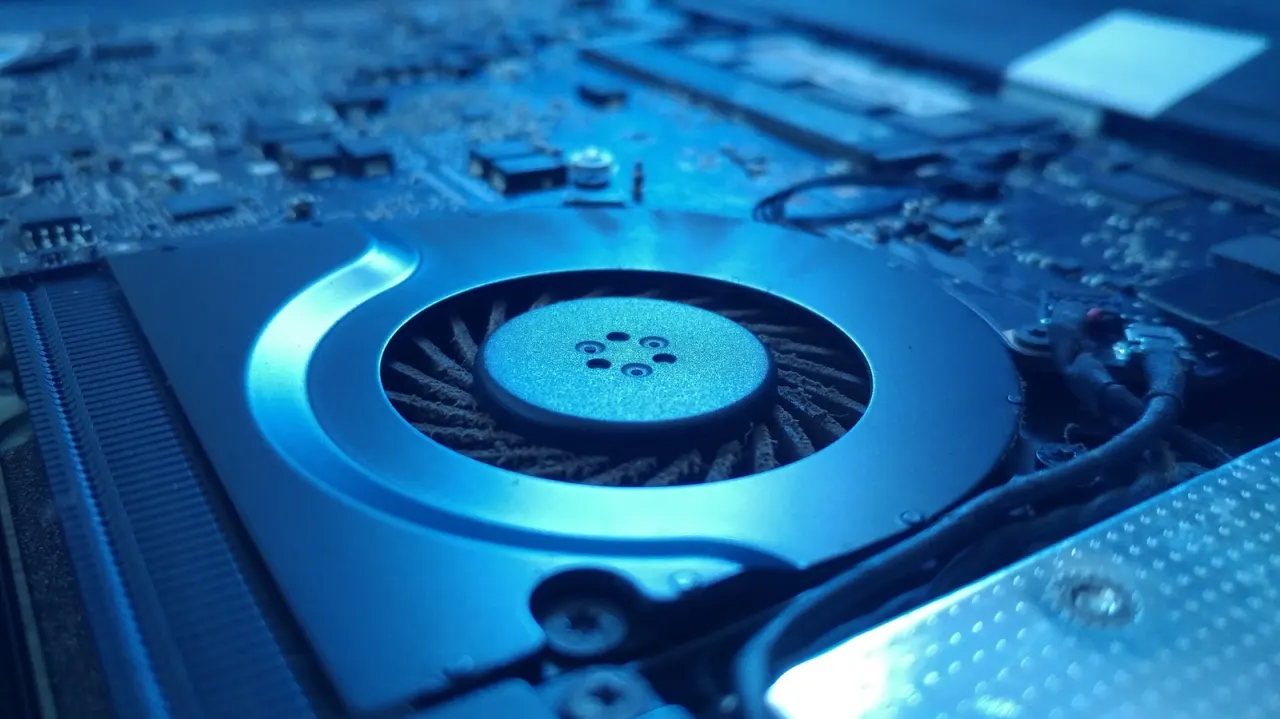
Sudden laptop fan noise usually means the computer is briefly working harder or struggling to move air, though some fan noise is normal. Checking airflow and background activity can help identify the cause and reduce unnecessary bursts.
Use a laptop on a hard, flat surface, and clean accessible vents with short bursts of compressed air after switching it off and letting it cool. Windows Task Manager and Mac Activity Monitor can show which processes are using the most CPU; quit only processes you recognise, since stopping system tasks can cause problems. Dismantling a laptop may affect its warranty, so check the manufacturer’s guidance or consult a technician.
In short
- Loud fan bursts can signal blocked airflow or heavy background activity.
- Keep vents clear and check which processes are using the CPU.
- Check warranty guidance before opening your laptop.
Explained simply
Laptop fans move heat away from the processor and other components. They speed up when the computer is doing demanding work, such as running several programmes, or when warm air cannot escape through the vents.
The processor carries out the computer’s instructions, and programmes running in the background can use some of its capacity even when they are not on screen. Fan noise can therefore reflect normal work, restricted airflow or a fault, and its cause may not be obvious from the sound alone.
Keeping vents clear helps air circulate, while activity tools built into Windows and macOS can show which programmes are using the processor. Internal parts and manufacturer guidance vary between laptops, so opening a device can affect its warranty.
Read the full article at the source →
Originally published by Engadget as “Why your laptop fans spin up without any warning”.