Technology news and discussion on TalkFuse.
Check your TV’s HDMI settings to get the best from Roku
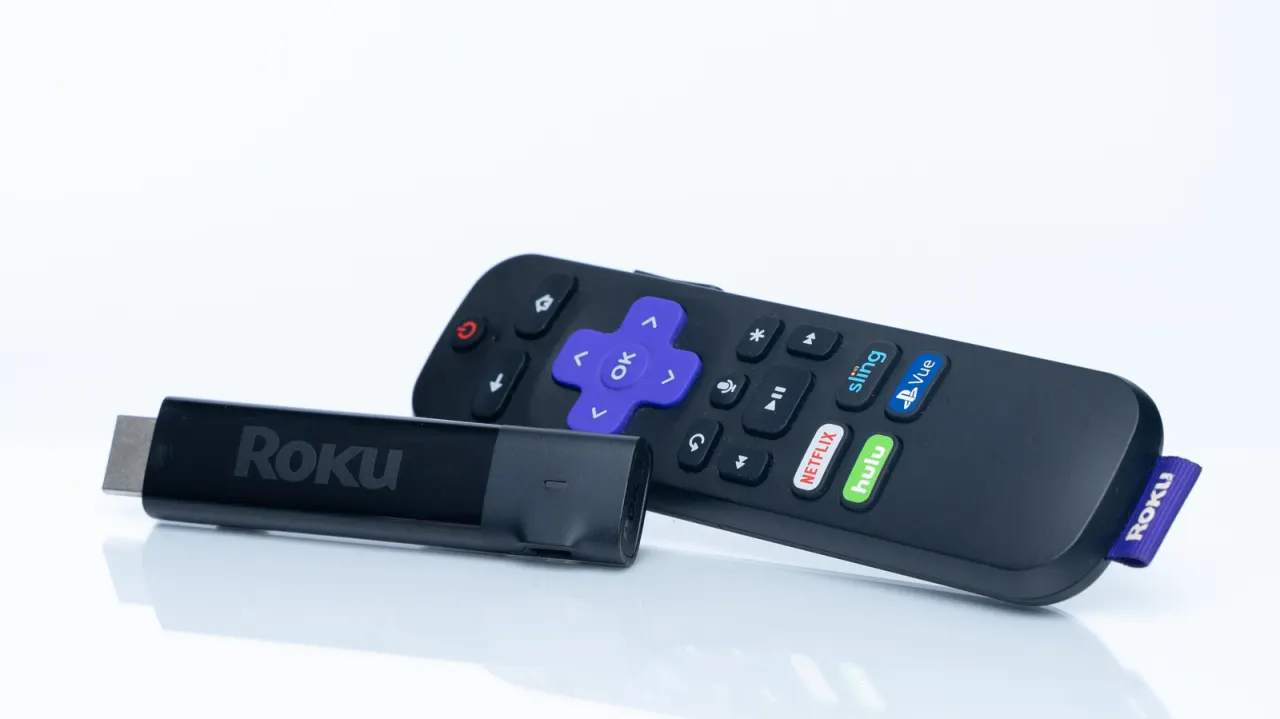
Roku streamers can lose access to some picture or sound features if they are connected to the wrong HDMI port or if the port is not configured for enhanced capabilities. The advice matters because TV ports often differ in what they support, even when they look identical, and a quick check can help viewers get the best performance from their setup.
Most modern TVs support HDMI 2.0, which is enough for common Roku features such as 4K, HDR and Dolby Atmos, while the Roku Ultra is limited to 60Hz. Some TVs reserve Dolby Vision or other HDR support for particular ports, so users should check the manufacturer’s guidance and input settings. ARC and eARC ports are designed for audio equipment such as soundbars; computers and games consoles should generally get priority for newer HDMI 2.1 or 2.2 ports.
In short
- Check which HDMI ports support your Roku’s picture and sound features.
- Enable enhanced input settings if your TV requires them.
- Save higher-bandwidth ports for computers and games consoles.
Read the full article at the source →
Originally published by Engadget as “Why your Roku might be plugged into the wrong HDMI port”.