Technology news and discussion on TalkFuse.
More connected gadgets can crowd home Wi-Fi bandwidth and channels
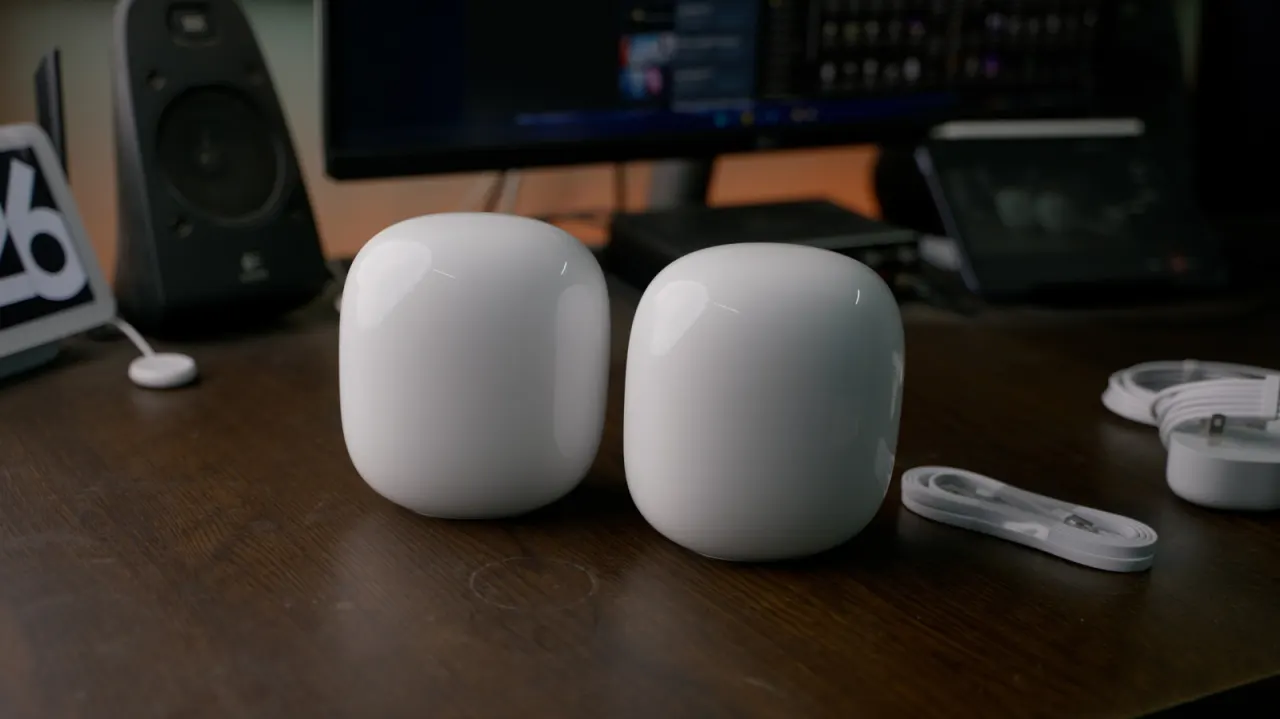
As homes add watches, speakers, lights and other connected gadgets, Wi-Fi can slow because devices compete for the router’s limited bandwidth and radio channels. Busy local transfers can add to the congestion, even when internet use seems light.
Wi-Fi 6 and 6E have a theoretical maximum of 9.6Gbps, while Wi-Fi 7 raises that to 46Gbps, but actual performance depends on the router, devices and available channels. The 2.4GHz band has only three non-overlapping channels, and older Wi-Fi 5 routers may support as few as 10 to 25 active devices. Using 5GHz or 6GHz where possible, pausing unneeded devices and connecting smart-home accessories through a Thread or Zigbee hub can help reduce competition.
In short
- Connected devices share limited Wi-Fi bandwidth and channels.
- Wi-Fi 7 helps only when devices support its features.
- Moving gadgets to faster bands or hubs can ease congestion.
Explained simply
Home Wi-Fi connects devices such as phones, watches, speakers and smart lights through a router. Each device uses some of the router’s capacity, and gadgets can also exchange data with one another inside the home, adding to the traffic.
Wi-Fi uses radio frequencies divided into channels, which nearby networks and devices may share. Older routers and the more crowded 2.4GHz frequency have less room for devices to communicate, so performance can slow as more gadgets compete. Newer Wi-Fi versions offer higher theoretical speeds, but real-world results depend on the router, connected devices and available radio space.
Read the full article at the source →
Originally published by Engadget as “Why your Wi-Fi slows down when more devices connect”.